 Academy
Till Academy
Short videos that show each job on Till CloudPOS, with the steps written out underneath. Watch one when you need it, or work through all 49.
49 guides · 40 minutes of video · no sound
49 guides to view
Topic
Role
Level
Your progress
3 of 49 guides
Find and fix orders
2 guides · 2 min
Look up past orders, void items or whole orders the kitchen already has, and refund paid orders in full or in part.
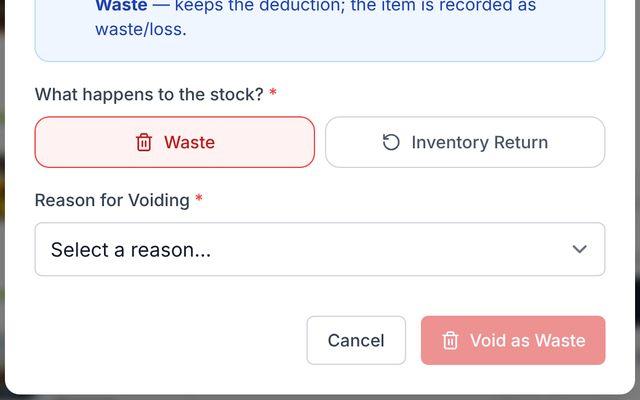
Void a sent item
Remove an item the kitchen already has, record what happened to it, and get a manager’s approval.
43 secondsEverydayCashier, Waiter, Manager
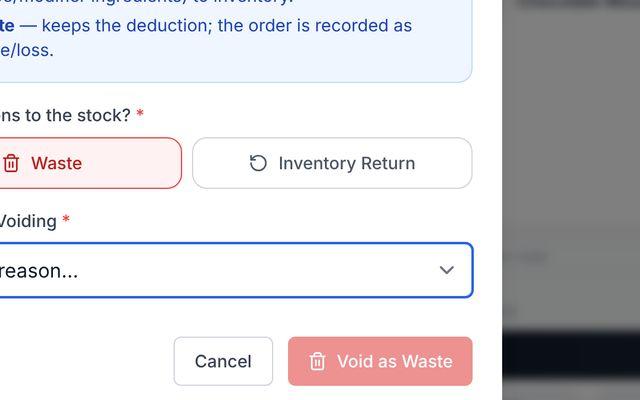
Void a whole order
Cancel an entire order that was already sent, record what happens to the stock, and free the table.
47 secondsEverydayCashier, Waiter, Manager
Read your reports
1 guide · 1 min
Check the day’s sales, find your best sellers, review voids and refunds, and read the Z report before you close.
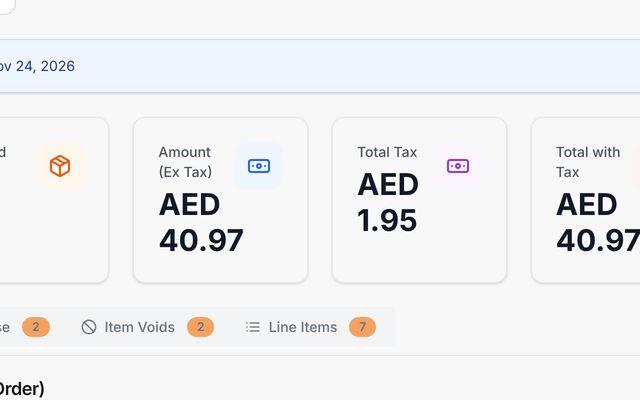
Check voids and refunds
Read the Voids and Refunds reports to see what was cancelled or paid back, by whom and why.
1 minuteAdvancedManager, Owner