 Academy
Check voids and refunds
Read the Voids and Refunds reports to see what was cancelled or paid back, by whom and why.
- 1 minute
- 12 steps
- Advanced
- For managers and owners
12 steps · no soundFirst: In Reports, open the Voids Report
Steps
Tap a step to play the video from that point.
About this task
Voids and refunds are where money quietly leaves a restaurant. Most are honest: a wrong order, a complaint. Reading these two reports is how you tell the honest ones from a pattern.
The Voids report lists cancelled orders with the user who voided them. Its Item Voids tab lists single items removed from orders, each with the reason and the name of the person who voided it.
The Refunds report lists every refund with its order, whether it was full or partial, the method, the amount and the reason given.
Good to know
- What to look for
- Many voids or refunds by one person, at one time of day, or with one repeated reason deserve a closer look.
- Where the reason shows
- Void reasons are on the Item Voids tab. The list of whole voided orders shows the user, but not the reason.
Details
- Topic
- Read your reports
- Level
- Advanced. For managers and for setting up.
- Video
- 1 minute, no sound, captions on screen
- Last checked
- , against Till CloudPOS
Related guides
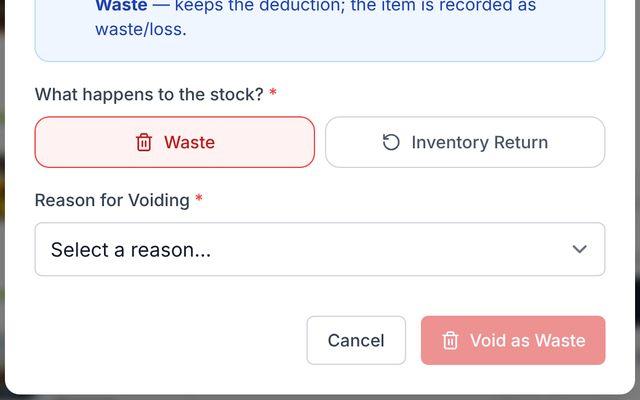
Void a sent item
Remove an item the kitchen already has, record what happened to it, and get a manager’s approval.
43 secondsEverydayCashier, Waiter, Manager
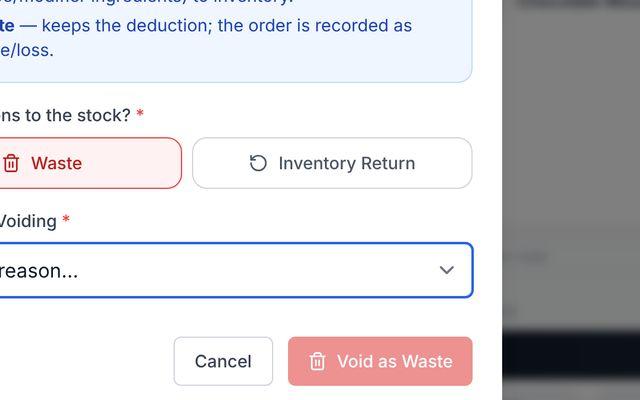
Void a whole order
Cancel an entire order that was already sent, record what happens to the stock, and free the table.
47 secondsEverydayCashier, Waiter, Manager
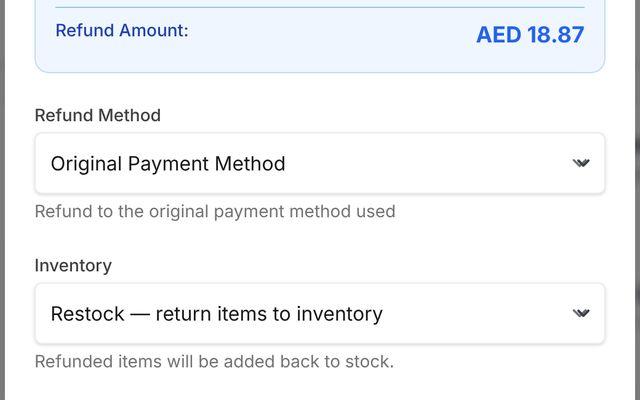
Refund a paid order
Give money back on a paid order, choose how it is refunded, and record the stock and the reason.
47 secondsAdvancedManager, Owner