 Academy
Read the Z report
Use the end-of-day summary to check revenue, refunds, voids, the cash you should have and how guests paid.
- 51 seconds
- 10 steps
- Everyday
- For managers and owners
10 steps · no soundFirst: Open Reports in the back office
Steps
Tap a step to play the video from that point.
About this task
The Z report is the day on one page. Read it before you close: it tells you what was sold, what was given back, and how much cash should be in the drawer.
Start at the top with total revenue, orders, tax and discounts. Then look at refunds and voids, which should be few and explainable.
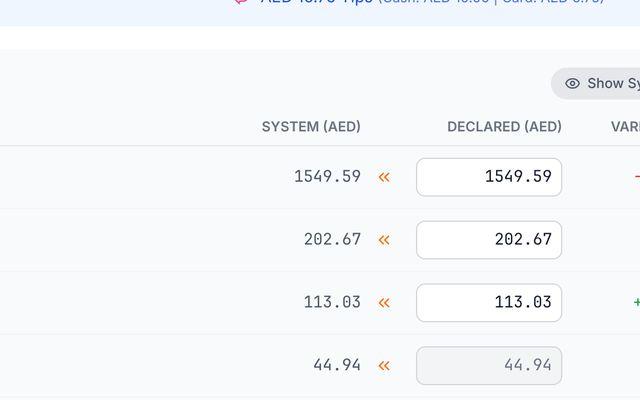
Cash Reconciliation is the part to check against the drawer. Expected Cash is what Till thinks you hold. If your count is different, find out why before the day is closed.
Good to know
- Another day
- The report opens on Today. Tap the date button to read an earlier day.
- Keep a copy
- Export Excel, Export PDF and Print are at the top right of the report.
Details
- Topic
- Read your reports
- Level
- Everyday. You will use these on most shifts.
- Video
- 51 seconds, no sound, captions on screen
- Last checked
- , against Till CloudPOS
Related guides
Close the day
Close the daily session after the last shift: check orders and shifts, count the cash and save the day’s report.
47 secondsEverydayManager, Owner
Check today’s sales
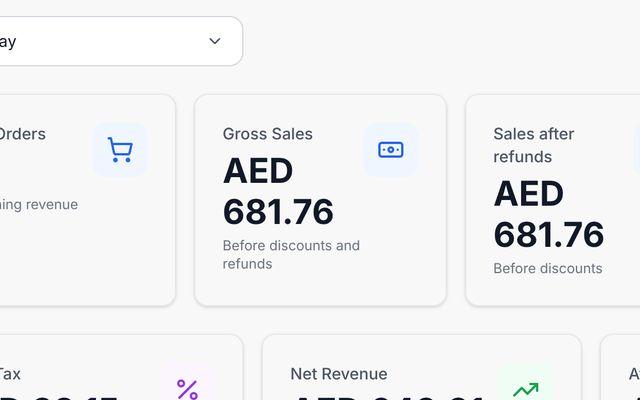
Open the Sales Summary to see orders, gross sales, net revenue and how guests paid, for any date range.
47 secondsAdvancedManager, Owner
Record cash in and out
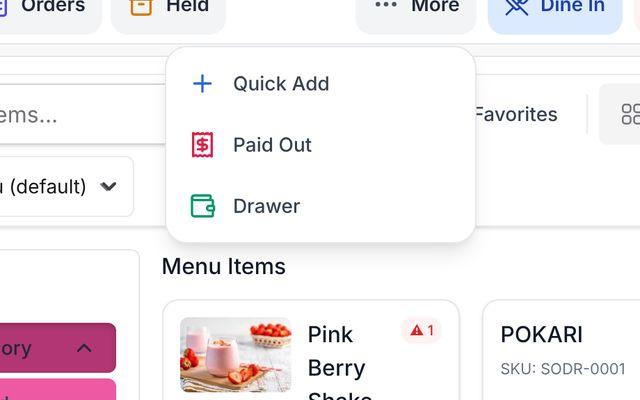
Write down a float top-up or cash paid out of the drawer, so the cash count still matches at the end of the day.
1 minuteEverydayCashier, Manager