 Academy
Till Academy
Short videos that show each job on Till CloudPOS, with the steps written out underneath. Watch one when you need it, or work through all 49.
49 guides · 40 minutes of video · no sound
49 guides to view
Topic
Role
Level
Your progress
11 of 49 guides
Shifts, cash and the day
4 guides · 3 min
Open and close your shift, hand the till to the next person, record cash in and out of the drawer, and open and close the day.
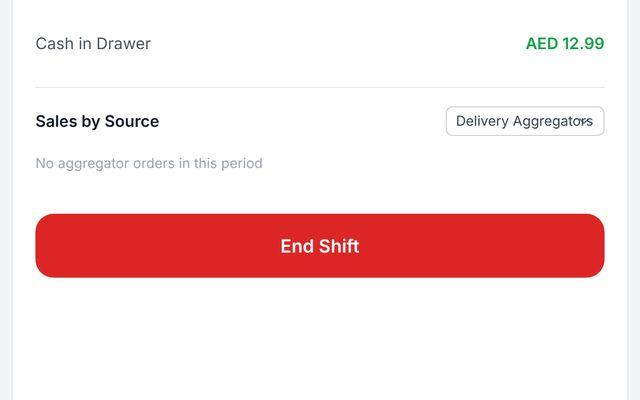
Close your shift
Read your shift report, count the cash you took and close your shift at the end of the day.
35 secondsBasicsCashier, Waiter
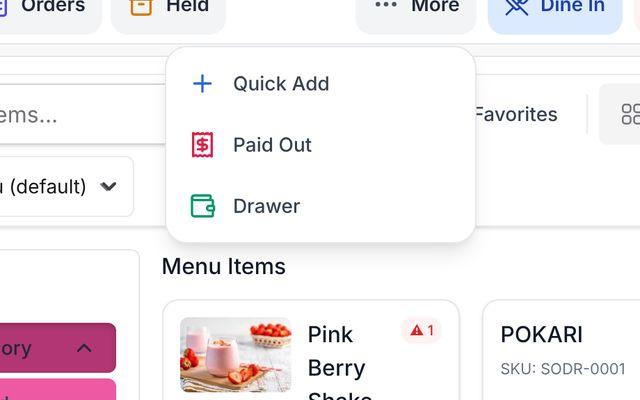
Record cash in and out
Write down a float top-up or cash paid out of the drawer, so the cash count still matches at the end of the day.
1 minuteEverydayCashier, Manager
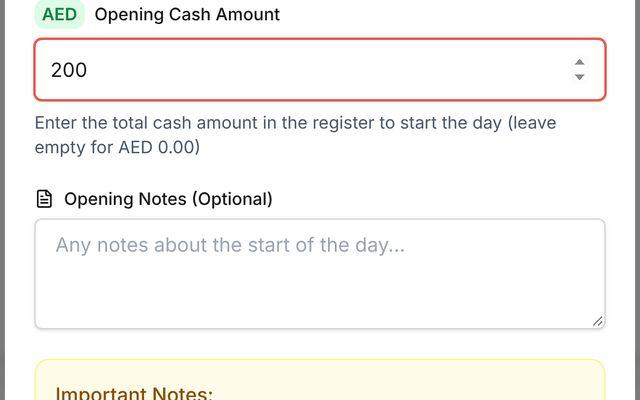
Open the day
Start the daily session with the opening cash, so shifts can start and orders can be taken.
43 secondsEverydayManager, Owner
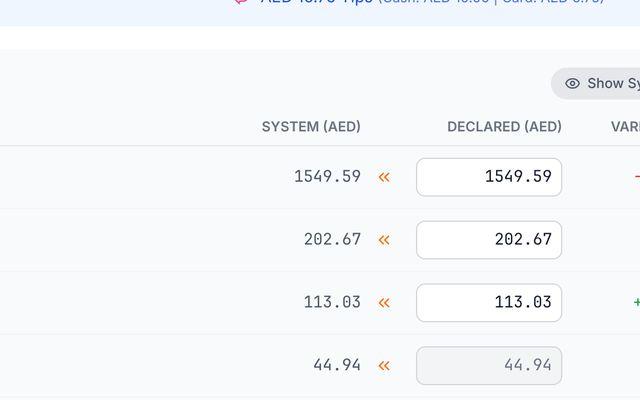
Close the day
Close the daily session after the last shift: check orders and shifts, count the cash and save the day’s report.
47 secondsEverydayManager, Owner
Take orders
1 guide · 1 min
Ring up takeaway, dine-in and delivery orders, with options, notes, customers and items that are not on the menu.
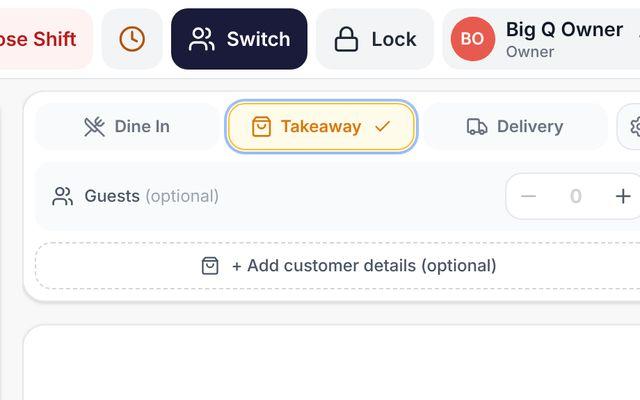
Take a takeaway order
Ring up a counter order, fix quantities in the cart and take cash, from the first tap to the receipt.
47 secondsBasicsCashier, Waiter
Take payment
5 guides · 4 min
Take cash and card, add tips, split a bill, apply discounts and charge an order to a customer’s account.
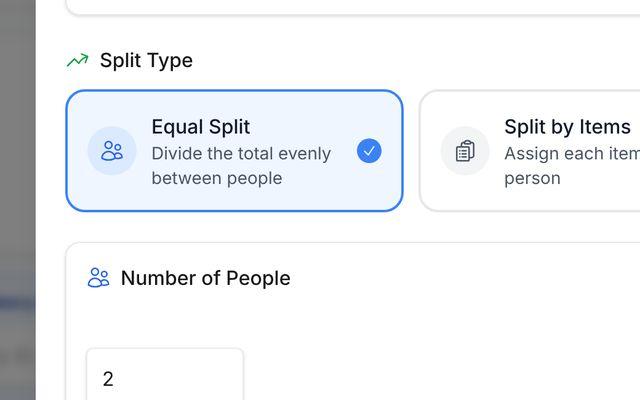
Split a bill between people
Divide one bill into shares so each guest pays their own part, by cash or by card.
47 secondsEverydayCashier, Waiter
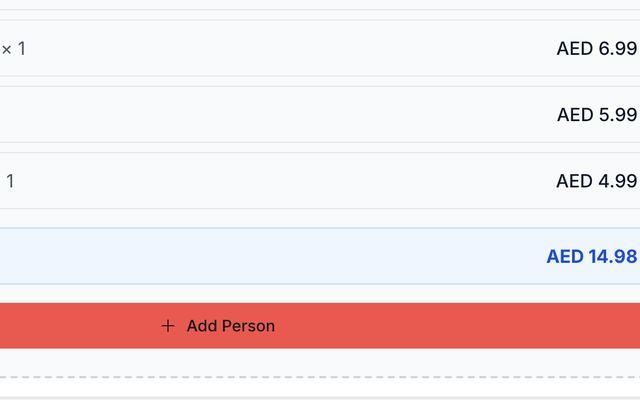
Split a bill by items
Let each guest pay for exactly what they ordered: give every item to a person, then take each payment.
1 minuteEverydayCashier, Waiter
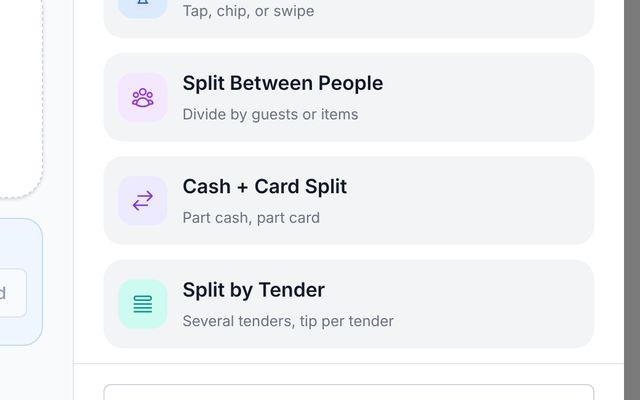
Take part cash, part card on one bill
Let one guest pay part of the bill in cash and the rest by card, using Cash + Card Split.
39 secondsEverydayCashier
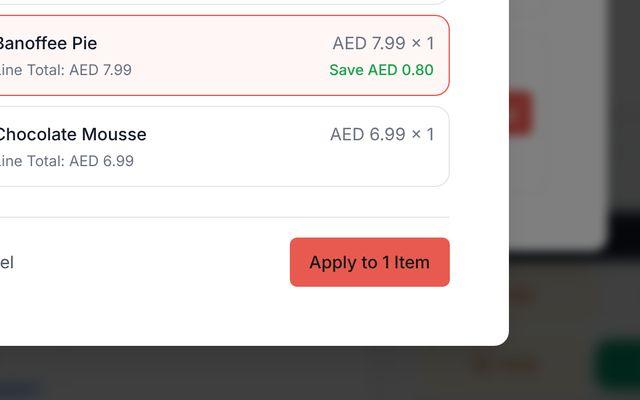
Discount one item
Take money off a single item with a ready-made item discount, and leave the rest of the order at full price.
51 secondsEverydayCashier, Waiter, Manager
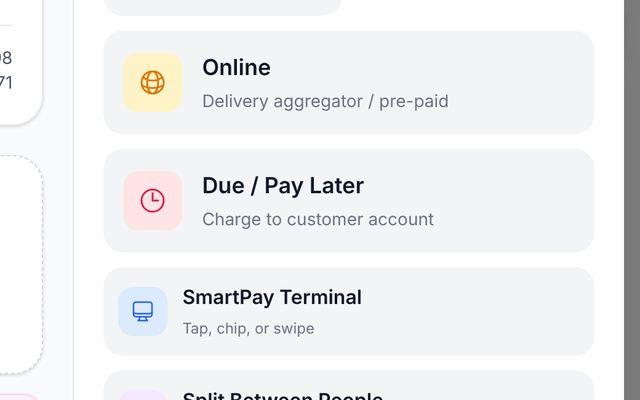
Sell on Pay Later and collect the money
Charge an order to a customer’s account, then record the payment when they settle what they owe.
56 secondsAdvancedCashier, Manager, Owner
Read your reports
1 guide · 1 min
Check the day’s sales, find your best sellers, review voids and refunds, and read the Z report before you close.
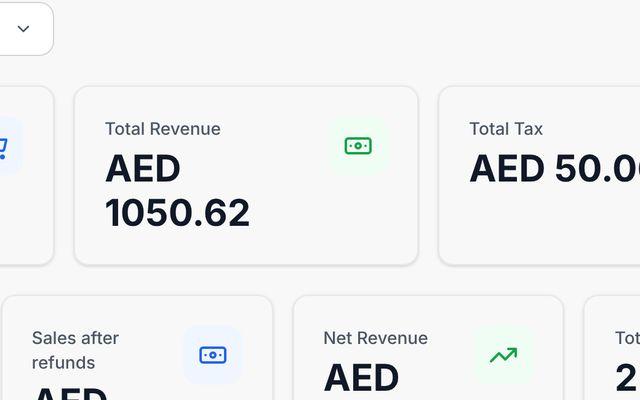
Read the Z report
Use the end-of-day summary to check revenue, refunds, voids, the cash you should have and how guests paid.
51 secondsEverydayManager, Owner