 Academy
Close the day
Close the daily session after the last shift: check orders and shifts, count the cash and save the day’s report.
- 47 seconds
- 9 steps
- Everyday
- For managers and owners
9 steps · no soundFirst: Open Shift Management
Steps
Tap a step to play the video from that point.
About this task
Closing the day ends the daily session and fixes the day’s figures. It is the last job of the night, done by an owner or manager after the last shift has ended.
Till checks two things before it lets you close. Every order must be paid or voided, and every shift must be ended. The Daily Session card shows the number of open orders, and Shift History shows any shift still active.
Then you count. For each payment type, Till shows its own figure next to the one you declare, and the difference as a variance. Closing cannot be undone, so read the summary before you confirm.
Good to know
- Count the cash, do not copy it
- The copy button fills in Till’s own figure. For cash, type what you actually counted, so a shortage or surplus shows as a variance.
- The report stays
- The Daily Session Report opens when the day is closed. Print it or download the PDF. Closed days are listed under Session History.
If something goes wrong
- It says orders are still open
- The message lists the order numbers. Pay or void each one, then tap Close Daily Session again.
- An old order will not void
- Orders older than 24 hours cannot be voided. Take payment for the order to close it.
Details
- Level
- Everyday. You will use these on most shifts.
- Video
- 47 seconds, no sound, captions on screen
- Last checked
- , against Till CloudPOS
Related guides
Close your shift
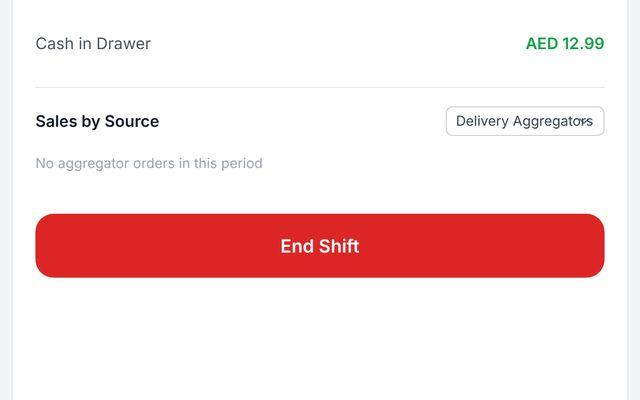
Read your shift report, count the cash you took and close your shift at the end of the day.
35 secondsBasicsCashier, Waiter
Read the Z report
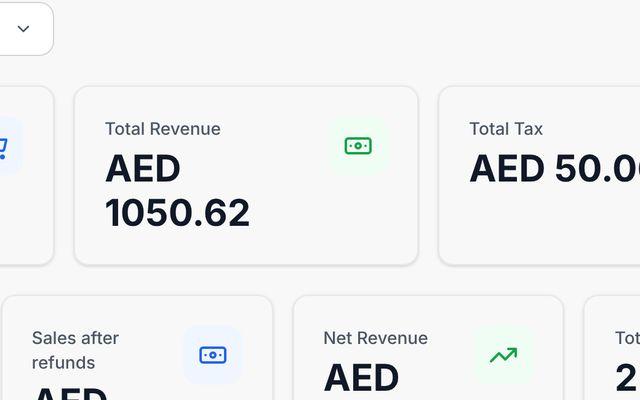
Use the end-of-day summary to check revenue, refunds, voids, the cash you should have and how guests paid.
51 secondsEverydayManager, Owner
Open the day
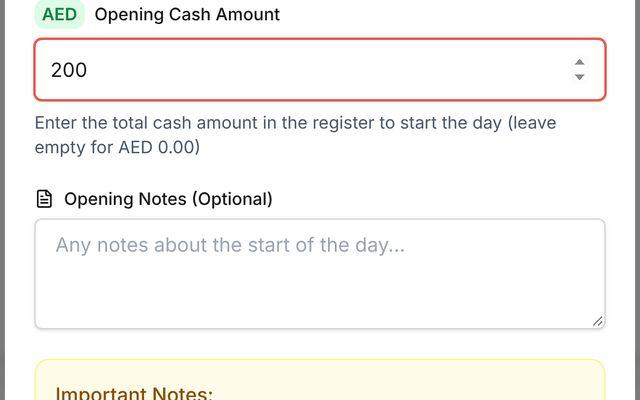
Start the daily session with the opening cash, so shifts can start and orders can be taken.
43 secondsEverydayManager, Owner