 Academy
Till Academy
Short videos that show each job on Till CloudPOS, with the steps written out underneath. Watch one when you need it, or work through all 49.
49 guides · 40 minutes of video · no sound
49 guides to view
Topic
Role
Level
Your progress
4 of 49 guides
Shifts, cash and the day
2 guides · 1 min
Open and close your shift, hand the till to the next person, record cash in and out of the drawer, and open and close the day.
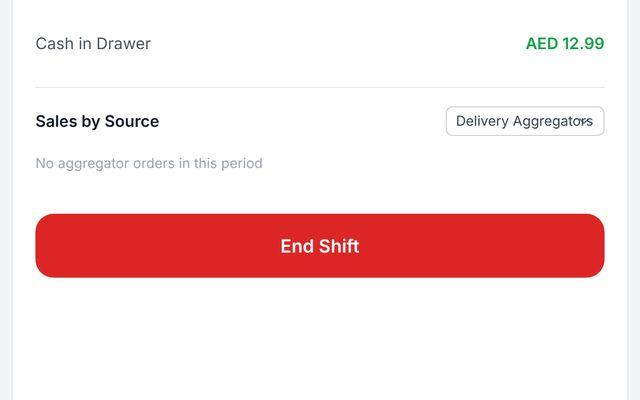
Close your shift
Read your shift report, count the cash you took and close your shift at the end of the day.
35 secondsBasicsCashier, Waiter
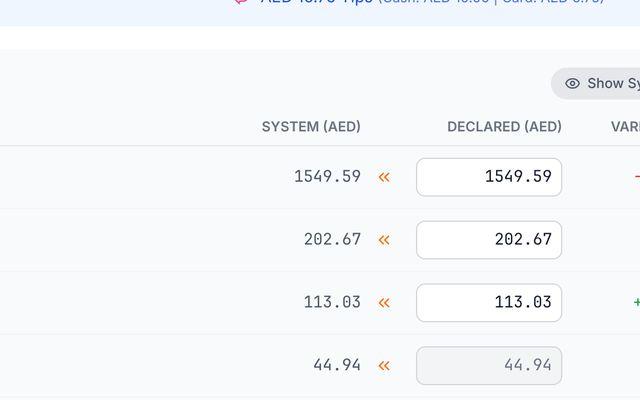
Close the day
Close the daily session after the last shift: check orders and shifts, count the cash and save the day’s report.
47 secondsEverydayManager, Owner
Read your reports
2 guides · 2 min
Check the day’s sales, find your best sellers, review voids and refunds, and read the Z report before you close.
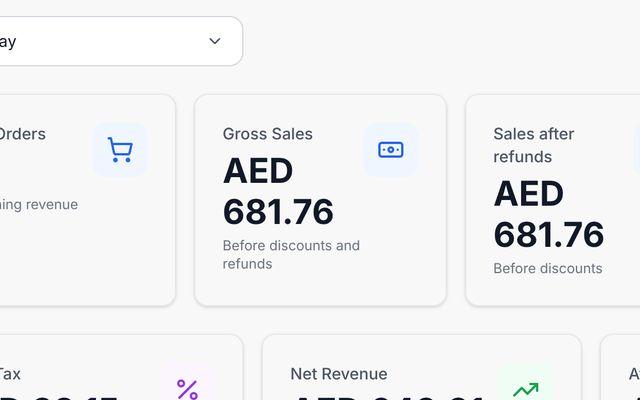
Check today’s sales
Open the Sales Summary to see orders, gross sales, net revenue and how guests paid, for any date range.
47 secondsAdvancedManager, Owner
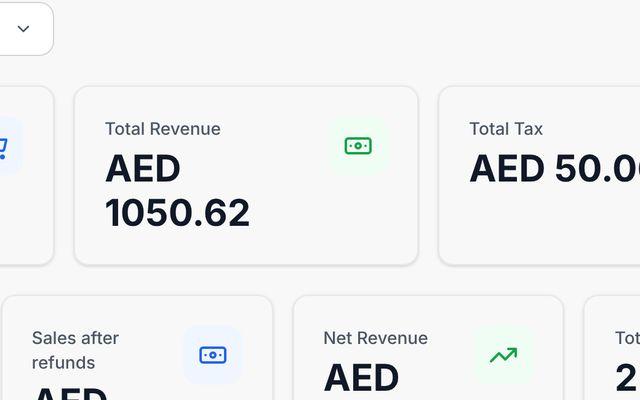
Read the Z report
Use the end-of-day summary to check revenue, refunds, voids, the cash you should have and how guests paid.
51 secondsEverydayManager, Owner