 Academy
Close your shift
Read your shift report, count the cash you took and close your shift at the end of the day.
- 35 seconds
- 6 steps
- Basics
- For cashiers and waiters
6 steps · no soundFirst: Tap Close Shift in the top bar
Steps
Tap a step to play the video from that point.
About this task
Close your shift when you hand over the till or finish for the day. Closing saves a report of every order and payment you took, plus the cash you counted, so a manager can see whether the drawer matches.
Expected in drawer is the opening float plus the cash sales, minus any cash paid out of the drawer for expenses. Card and other payments are not in the drawer, so leave them out of your count.
Before you start, finish or take payment for any open orders that are yours. Have the drawer open in front of you, count the cash taken this shift and leave the float in the drawer for the next person.
Good to know
- Pay Later money is not in the drawer
- Total sales includes orders put on Due / Pay Later. That money has not been collected yet, so do not expect to find it in the drawer.
- Expenses come off the expected cash
- If cash was taken out of the drawer to pay for something during your shift, it is taken off Expected in drawer.
- Closing a shift does not close the day
- A manager closes the daily session once every shift on the branch is closed. That is when the whole day’s cash is reconciled.
If something goes wrong
- You still have open orders
- Take payment for them, then tap End Shift again. If an open order should not be there, ask a manager before you close.
- Your count does not match Expected in drawer
- Count again before you confirm. If it is still different, type the amount you counted, not the expected figure, and tell your manager.
Details
- Level
- Basics. Learn these on your first day.
- Video
- 35 seconds, no sound, captions on screen
- Last checked
- , against Till CloudPOS
Related guides
Close the day
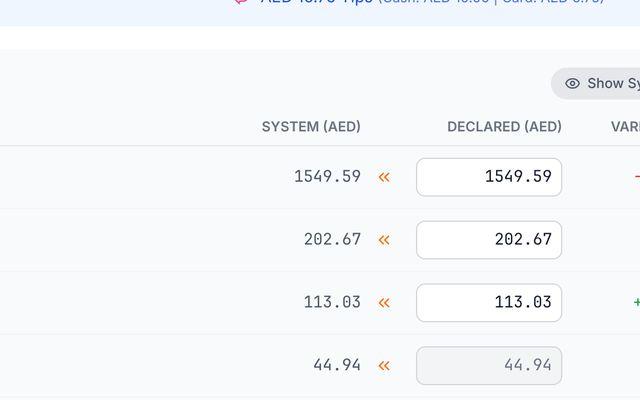
Close the daily session after the last shift: check orders and shifts, count the cash and save the day’s report.
47 secondsEverydayManager, Owner
Record cash in and out
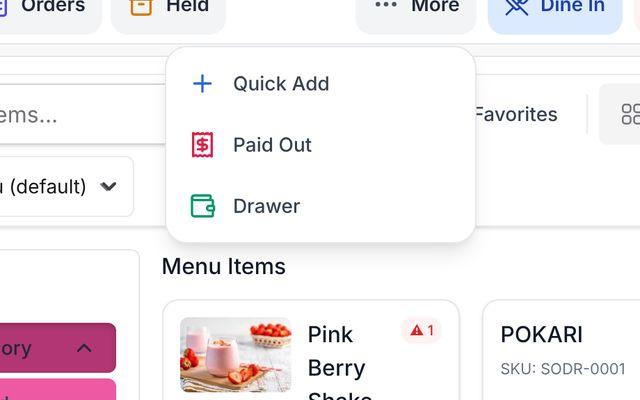
Write down a float top-up or cash paid out of the drawer, so the cash count still matches at the end of the day.
1 minuteEverydayCashier, Manager
Read the Z report
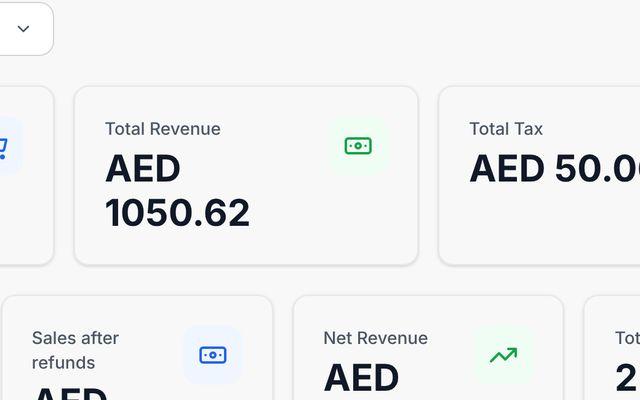
Use the end-of-day summary to check revenue, refunds, voids, the cash you should have and how guests paid.
51 secondsEverydayManager, Owner