 Academy
Record cash in and out
Write down a float top-up or cash paid out of the drawer, so the cash count still matches at the end of the day.
- 1 minute
- 12 steps
- Everyday
- For cashiers and managers
12 steps · no soundFirst: Tap More in the top bar
Steps
Tap a step to play the video from that point.
About this task
Cash moves in and out of the drawer for reasons that are not sales: change brought in from the bank, cleaning supplies paid in cash, a delivery driver’s fuel. If it is not written down, the drawer will not match at closing and nobody will know why.
Two buttons sound alike but do different jobs. Drawer only pops the cash drawer open and records nothing. Paid Out opens Session Expenses, where you record cash going in (Pay in) and cash going out (an expense).
Each entry needs an amount and a reason. A paid-out entry also needs a category, such as Supplies or Fuel.
Good to know
- It changes the expected cash
- A pay in raises the cash Till expects in the drawer and a cash expense lowers it. Both are counted when the shift and the day are closed.
- Bought stock with drawer cash?
- A paid-out entry only takes the cash out of the till. Record the delivery as a purchase as well, so stock and item costs are updated.
If something goes wrong
- Entered it twice or got the amount wrong
- Open the History tab and void the wrong entry with a reason, then record it again correctly.
Details
- Level
- Everyday. You will use these on most shifts.
- Video
- 1 minute, no sound, captions on screen
- Last checked
- , against Till CloudPOS
Related guides
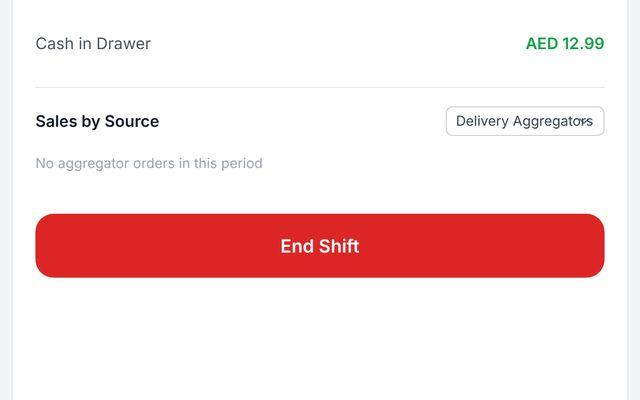
Close your shift
Read your shift report, count the cash you took and close your shift at the end of the day.
35 secondsBasicsCashier, Waiter
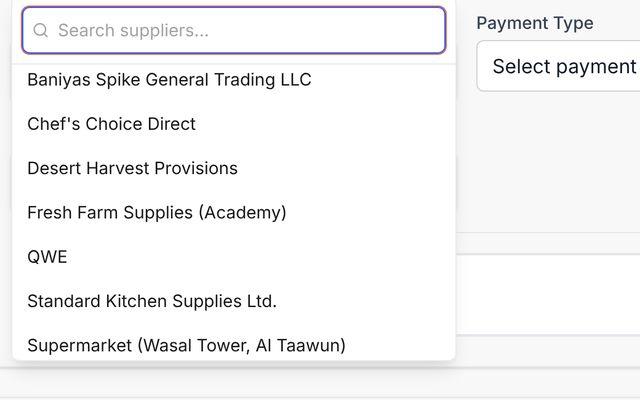
Record a purchase
Enter a supplier delivery with its invoice number, items, quantities and costs, so stock goes up straight away.
1 minuteAdvancedManager, Owner
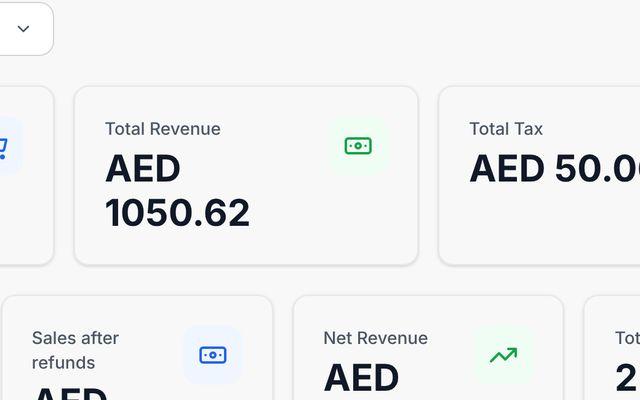
Read the Z report
Use the end-of-day summary to check revenue, refunds, voids, the cash you should have and how guests paid.
51 secondsEverydayManager, Owner