 Academy
Open the day
Start the daily session with the opening cash, so shifts can start and orders can be taken.
- 43 seconds
- 8 steps
- Everyday
- For managers and owners
8 steps · no soundFirst: Open Shift Management
Steps
Tap a step to play the video from that point.
About this task
The daily session is the business day in Till. Until it is open, no till can start a shift and no order can be taken. An owner or manager opens it once, before the first shift.
Opening the day asks for one thing: the cash in the drawer at the start. Count the float and type the amount. Leave it empty if the drawer starts at zero.
The session belongs to the branch. Once it is open, every till in that branch can start its own shift from the POS.
Good to know
- Typed the wrong float?
- The Daily Session card shows the opening cash with an Edit float link next to it.
- Cash is tracked from here
- Cash sales, pay ins and cash paid out are all counted against the opening cash until the day is closed.
If something goes wrong
- The POS will not start a shift
- The day is not open yet. Ask a manager or owner to start the daily session in Shift Management.
Details
- Level
- Everyday. You will use these on most shifts.
- Video
- 43 seconds, no sound, captions on screen
- Last checked
- , against Till CloudPOS
Related guides
Open your shift
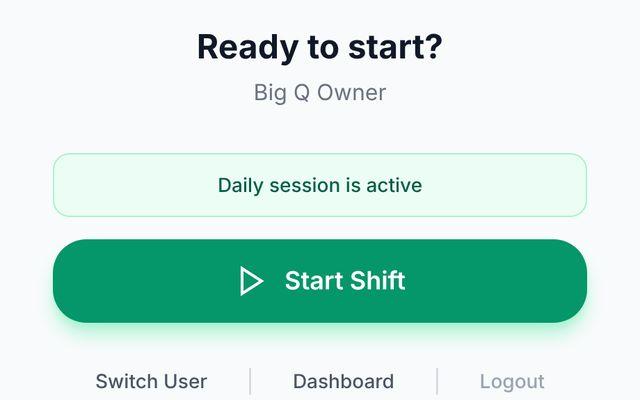
Start your shift on the POS so you can take orders. It takes one tap and no cash count.
35 secondsBasicsCashier, Waiter
Close the day
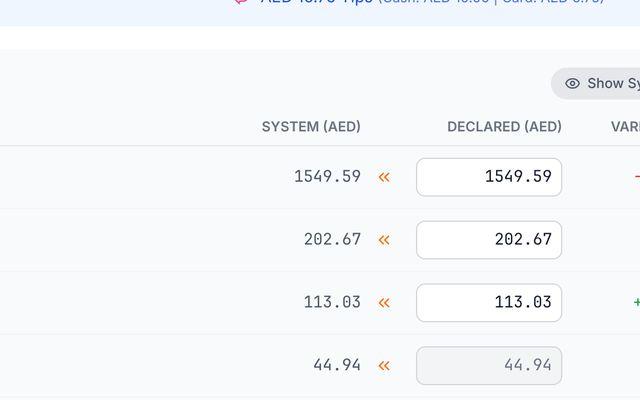
Close the daily session after the last shift: check orders and shifts, count the cash and save the day’s report.
47 secondsEverydayManager, Owner
Record cash in and out
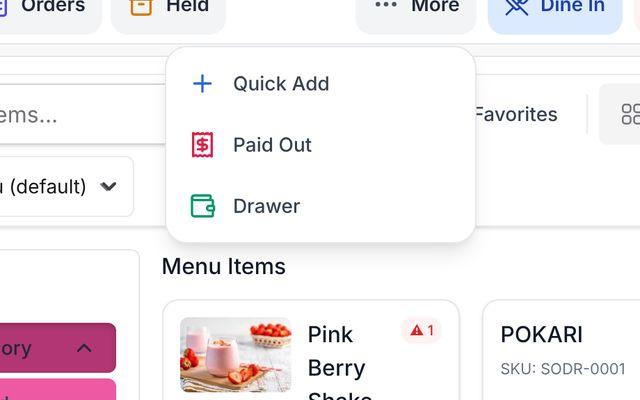
Write down a float top-up or cash paid out of the drawer, so the cash count still matches at the end of the day.
1 minuteEverydayCashier, Manager