 Academy
Open your shift
Start your shift on the POS so you can take orders. It takes one tap and no cash count.
- 35 seconds
- 6 steps
- Basics
- For cashiers and waiters
6 steps · no soundFirst: Check the start screen
Steps
Tap a step to play the video from that point.
About this task
Open your shift when you take over a till, before the first guest. Until a shift is open, the POS shows a start screen and you cannot ring anything up.
The shift links every order, payment and tip you take to you. At the end of the day your shift report shows your sales, so open the shift yourself rather than working on one someone else started.
You do not count the cash float when a shift starts. The float is counted once a day, when a manager opens the daily session for the branch. Before you tap Start Shift, check that the daily session is active and that the name in the top bar is yours.
Good to know
- No cash count at the start
- The POS does not ask for an opening float when a shift starts. The float is counted once a day, when the daily session is opened.
- The daily session comes first
- Shifts and orders need an active daily session for the branch. Starting it needs its own permission, so it is normally done by a manager in Shift Management.
- Close the shift you opened
- At the end of your time on the till, close your own shift so your sales and your cash count are saved under your name.
If something goes wrong
- The daily session is not active
- You cannot start a shift until it is. Ask a manager to start the daily session in Shift Management, then come back to the till and tap Start Shift.
Details
- Level
- Basics. Learn these on your first day.
- Video
- 35 seconds, no sound, captions on screen
- Last checked
- , against Till CloudPOS
Related guides
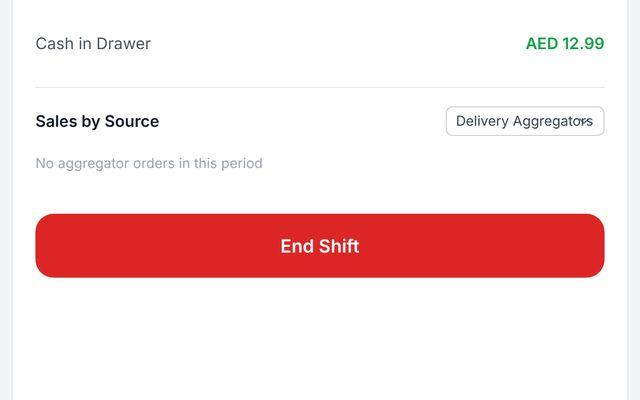
Close your shift
Read your shift report, count the cash you took and close your shift at the end of the day.
35 secondsBasicsCashier, Waiter
Switch user and clock in
Hand the till to the next person with their own PIN, and clock in or out so your hours are recorded.
47 secondsBasicsCashier, Waiter, Manager
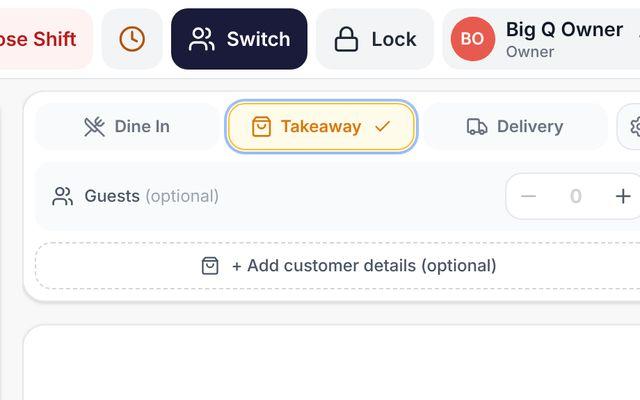
Take a takeaway order
Ring up a counter order, fix quantities in the cart and take cash, from the first tap to the receipt.
47 secondsBasicsCashier, Waiter