 Academy
Take a takeaway order
Ring up a counter order, fix quantities in the cart and take cash, from the first tap to the receipt.
- 47 seconds
- 9 steps
- Basics
- For cashiers and waiters
9 steps · no soundFirst: Tap Takeaway
Steps
Tap a step to play the video from that point.
About this task
Use Takeaway for a guest who orders at the counter and leaves with the food. There is no table to pick, and the guest pays before they go.
The payment method you tap decides where the money is counted. Cash goes toward Expected in drawer when you close your shift, card goes toward card totals, so tap the method the guest really used.
Read the cart back to the guest before you tap Pay. A wrong quantity takes one tap to fix now, and needs a manager once the order is paid.
Good to know
- Items with options open a popup
- Some items ask you to choose options, such as a size or a milk, before they go into the cart. Pick the options, then tap Add to Order.
- Guest still deciding
- Tap Hold to park the cart and serve the next person. Tap Held in the top bar to bring it back.
- Taking an item out
- Before payment, tap − until the quantity reaches zero. Once an order is sent to the kitchen, an item can only be removed with a void.
Details
- Topic
- Take orders
- Level
- Basics. Learn these on your first day.
- Video
- 47 seconds, no sound, captions on screen
- Last checked
- , against Till CloudPOS
Related guides
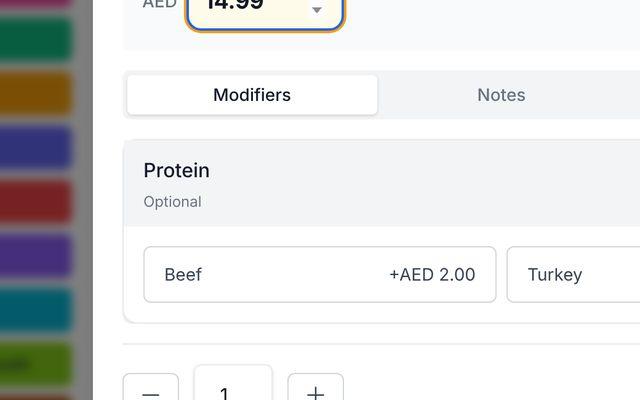
Add item options and notes
Choose an item’s options, add a note for an allergy or request, and add a note for the whole order.
47 secondsBasicsCashier, Waiter
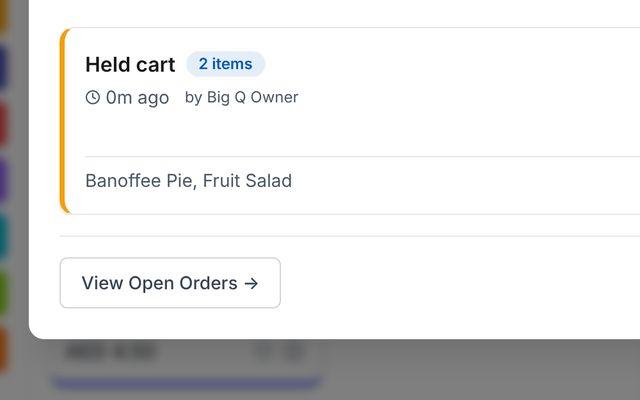
Hold and recall an order
Park a cart while a guest decides, serve the next guest, then bring the held order back.
51 secondsEverydayCashier
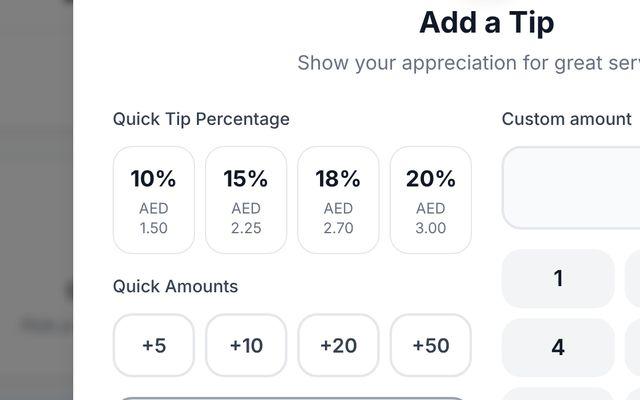
Take a card payment with a tip
Add the guest’s tip before you pick the card, so the card is charged once for the bill and the tip together.
51 secondsEverydayCashier, Waiter