 Academy
Hold and recall an order
Park a cart while a guest decides, serve the next guest, then bring the held order back.
- 51 seconds
- 10 steps
- Everyday
- For cashiers
10 steps · no soundFirst: Tap Takeaway
Steps
Tap a step to play the video from that point.
About this task
Hold is for the counter queue. When a guest steps aside to decide or goes to find a friend, park their cart and serve the next person instead of making the queue wait.
A held order is saved but not paid. Held in the top bar shows how many orders are parked, so anyone on the till can see there is one waiting.
Before you close your shift, open Held and finish every order in it, so nothing is left unpaid.
Good to know
- Your open cart is held for you
- If another cart is open when you recall an order, that cart is held automatically, so nothing is lost. Finish the recalled order, then recall the other one from Held.
- Tables do not need Hold
- A dine-in order stays on its table until it is paid. Use Hold for the counter, not for tables.
Details
- Topic
- Run your tables
- For
- Cashier
- Level
- Everyday. You will use these on most shifts.
- Video
- 51 seconds, no sound, captions on screen
- Last checked
- , against Till CloudPOS
Related guides
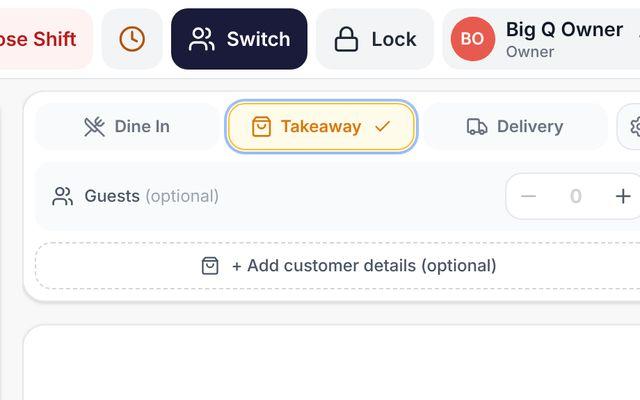
Take a takeaway order
Ring up a counter order, fix quantities in the cart and take cash, from the first tap to the receipt.
47 secondsBasicsCashier, Waiter
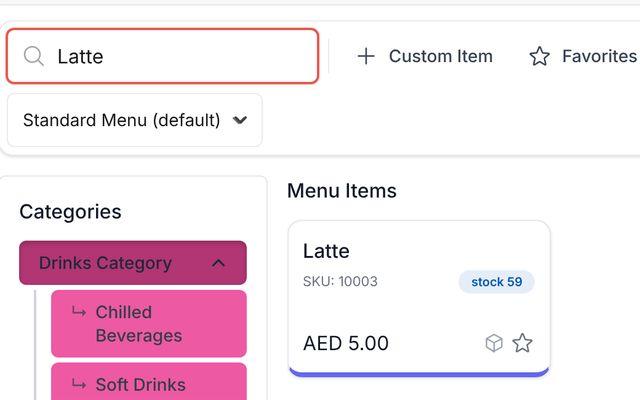
Find items fast with search and Favorites
Search the menu by name and star your best sellers so they are one tap away.
30 secondsBasicsCashier, Waiter
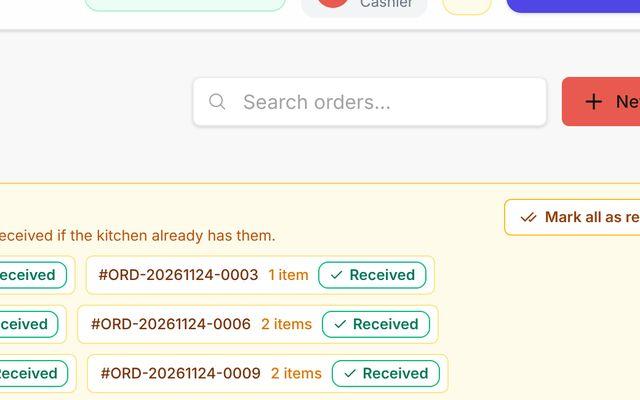
Find a past order
Search order history by number, customer or table, reprint a receipt and see how an order was paid.
51 secondsEverydayCashier, Waiter, Manager