 Academy
Find items fast with search and Favorites
Search the menu by name and star your best sellers so they are one tap away.
- 30 seconds
- 5 steps
- Basics
- For cashiers and waiters
5 steps · no soundFirst: Type in the search box
Steps
Tap a step to play the video from that point.
About this task
On a long menu, hunting through categories holds up the queue. Search finds an item as you type its name, and Favorites puts your best sellers on one screen.
Star the handful of items you sell all day, such as the house coffee or the most ordered main. If you star too many, Favorites turns into another long list.
Good to know
- Taking an item off Favorites
- Tap its star again.
- Search clears itself
- After you add an item from search, the box is empty again, so you can type the next item without deleting anything.
Details
- Topic
- Take orders
- Level
- Basics. Learn these on your first day.
- Video
- 30 seconds, no sound, captions on screen
- Last checked
- , against Till CloudPOS
Related guides
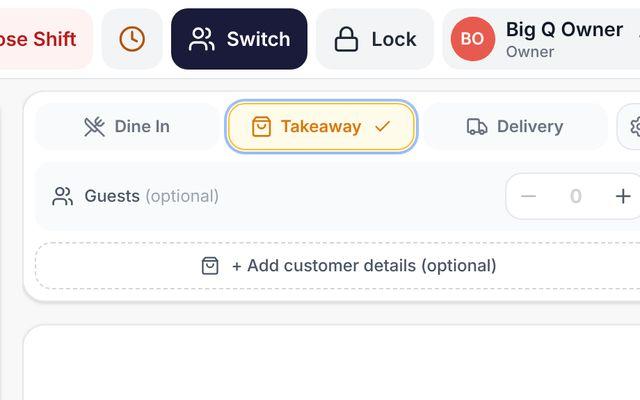
Take a takeaway order
Ring up a counter order, fix quantities in the cart and take cash, from the first tap to the receipt.
47 secondsBasicsCashier, Waiter
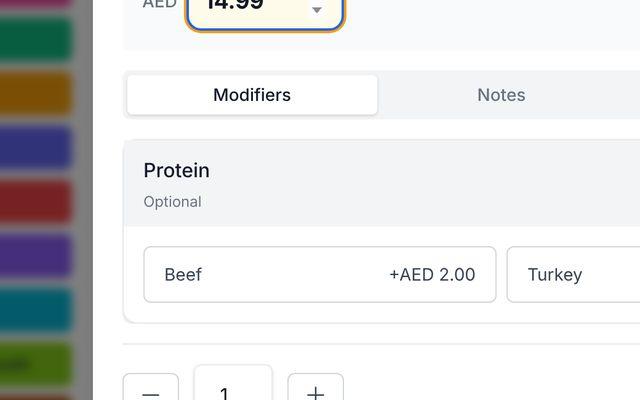
Add item options and notes
Choose an item’s options, add a note for an allergy or request, and add a note for the whole order.
47 secondsBasicsCashier, Waiter
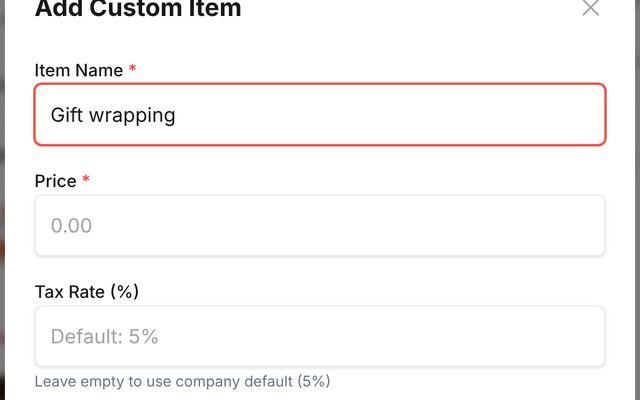
Add a custom item
Charge for something that is not on the menu, such as gift wrapping or a service fee, with your own name and price.
39 secondsEverydayCashier, Waiter