 Academy
Add a custom item
Charge for something that is not on the menu, such as gift wrapping or a service fee, with your own name and price.
- 39 seconds
- 7 steps
- Everyday
- For cashiers and waiters
7 steps · no soundFirst: Tap Takeaway
Steps
Tap a step to play the video from that point.
About this task
Use Custom Item for a one-off charge with no button on the menu: a cake-cutting fee, gift wrapping, a dish the chef made specially. You can add it without waiting for a manager to create a menu item.
The name you type is what the guest reads on the bill and the receipt, so write it the way you would say it to them. The price is for one, and tax uses the default rate unless you change it.
A custom item does not appear in any category, and every one is logged as a price typed at the till. If you charge the same thing every day, ask your manager to add it to the menu instead.
Good to know
- Delivery charges have their own button
- On takeaway and delivery orders, Delivery Fee sits next to Custom Item. Use it to add a delivery charge.
- Custom prices are logged
- Each custom item is recorded as a price typed at the till, so managers can review them later.
Details
- Topic
- Take orders
- Level
- Everyday. You will use these on most shifts.
- Video
- 39 seconds, no sound, captions on screen
- Last checked
- , against Till CloudPOS
Related guides
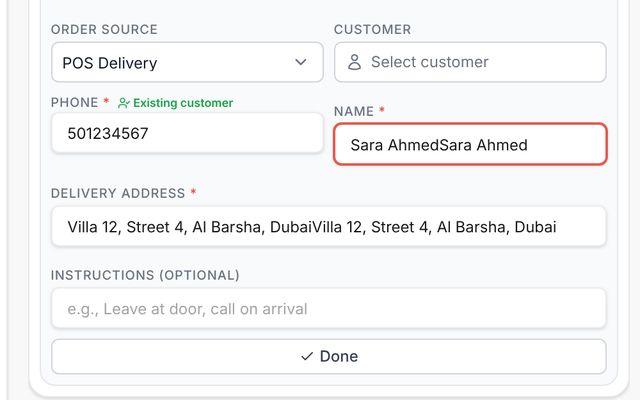
Take a delivery order
Enter the customer’s phone, name and address, add the items, and take payment now or on delivery.
1 minute 12 secondsEverydayCashier
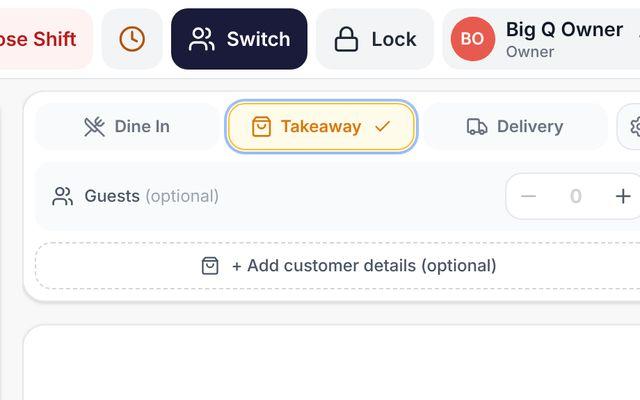
Take a takeaway order
Ring up a counter order, fix quantities in the cart and take cash, from the first tap to the receipt.
47 secondsBasicsCashier, Waiter
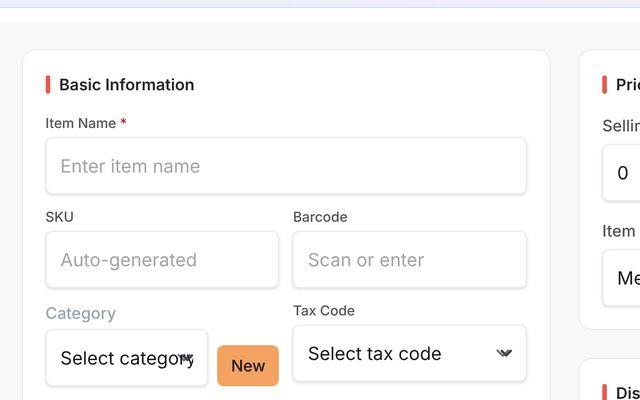
Add a menu item
Create a new item in the Catalog with its category, tax code and price so it shows on the POS.
39 secondsAdvancedManager, Owner