 Academy
Till Academy
Short videos that show each job on Till CloudPOS, with the steps written out underneath. Watch one when you need it, or work through all 49.
49 guides · 40 minutes of video · no sound
49 guides to view
Topic
Role
Level
Your progress
7 of 49 guides
Take orders
7 guides · 6 min
Ring up takeaway, dine-in and delivery orders, with options, notes, customers and items that are not on the menu.
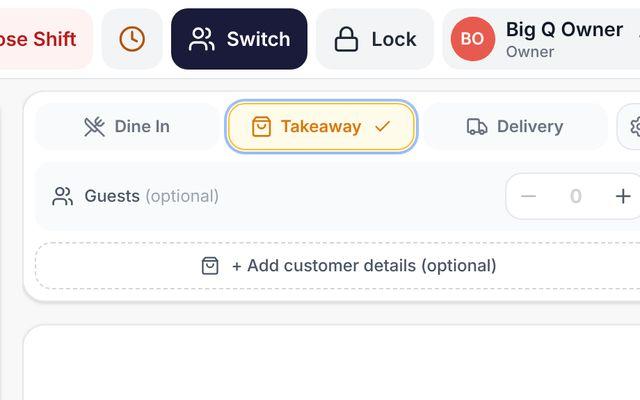
Take a takeaway order
Ring up a counter order, fix quantities in the cart and take cash, from the first tap to the receipt.
47 secondsBasicsCashier, Waiter
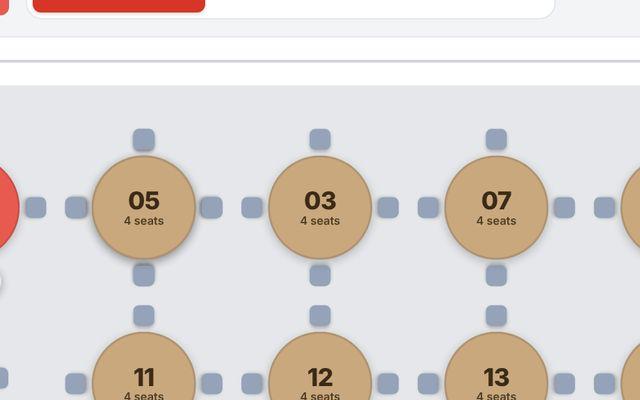
Take a dine-in order
Seat guests at a table, send their order to the kitchen and take payment when they are ready to leave.
1 minuteBasicsCashier, Waiter
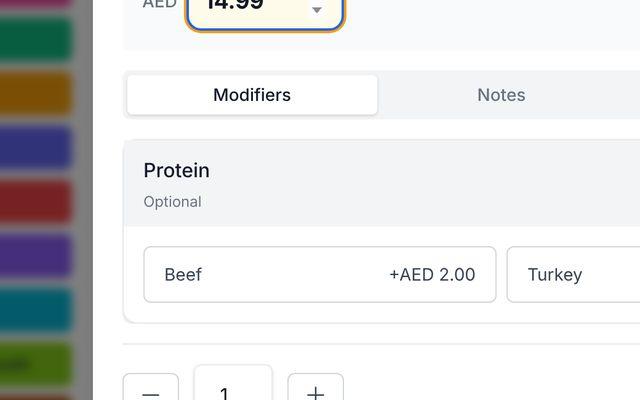
Add item options and notes
Choose an item’s options, add a note for an allergy or request, and add a note for the whole order.
47 secondsBasicsCashier, Waiter
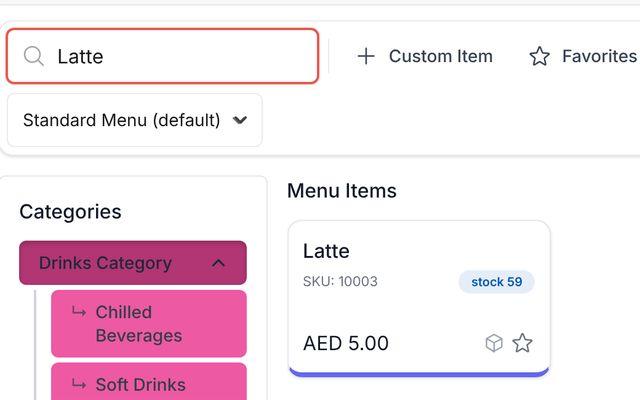
Find items fast with search and Favorites
Search the menu by name and star your best sellers so they are one tap away.
30 secondsBasicsCashier, Waiter
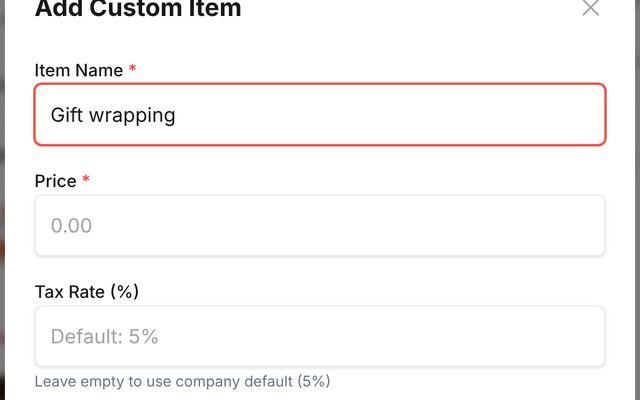
Add a custom item
Charge for something that is not on the menu, such as gift wrapping or a service fee, with your own name and price.
39 secondsEverydayCashier, Waiter
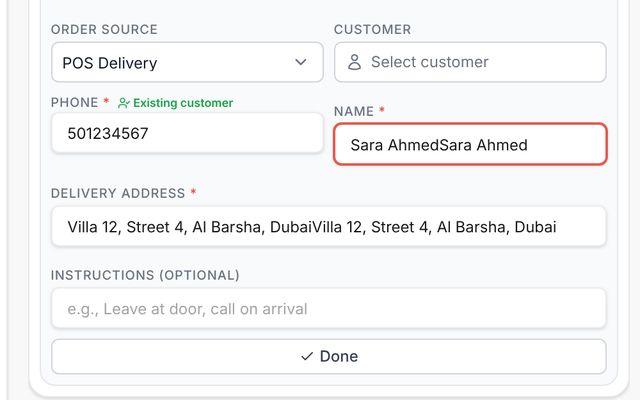
Take a delivery order
Enter the customer’s phone, name and address, add the items, and take payment now or on delivery.
1 minute 12 secondsEverydayCashier
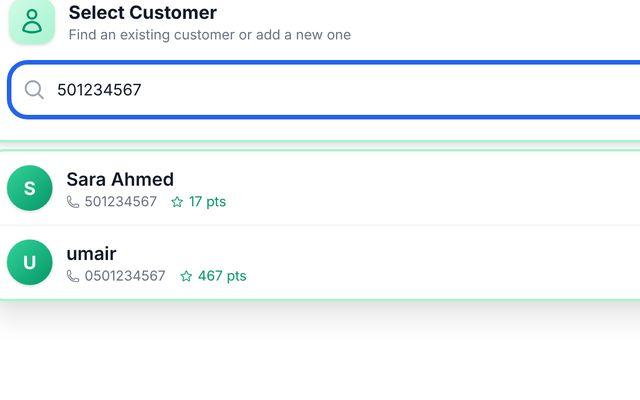
Add a customer to an order
Link an order to a guest by phone number or name, so it is saved to their history.
56 secondsEverydayCashier, Waiter