 Academy
Take a dine-in order
Seat guests at a table, send their order to the kitchen and take payment when they are ready to leave.
- 1 minute
- 12 steps
- Basics
- For cashiers and waiters
12 steps · no soundFirst: Tap Dine In
Steps
Tap a step to play the video from that point.
About this task
Use Dine In for guests who sit down. The order belongs to the table, so anyone on the team can tap that table later to add a round, print the bill or take payment.
Tap Send Order when the guests have ordered. The kitchen gets the items and the table turns red on the floor plan, so the team can see it is taken. Nothing is charged until you tap Pay.
Before you start, check the table number and how many guests are sitting there. Some tables have a minimum spend, and payment is blocked until the bill reaches it, so mention it early if it applies.
Good to know
- Nothing reaches the kitchen until you send it
- Items stay in the cart, marked NEW, until you tap Send Order. Send before you walk away from the till.
- Minimum spend
- If a table has a minimum spend and the bill is below it, the POS will not take payment and tells you how much is missing.
- Bill first
- If the guests want to see the bill before paying, tap Bill. The table turns teal so the team knows they are settling up.
If something goes wrong
- The guests’ table is already red
- Another order is open on it. Tap it to see what is there: it may be these guests’ first round, or a table that was not paid and closed. Check with the team before you add to it.
Details
- Topic
- Take orders
- Level
- Basics. Learn these on your first day.
- Video
- 1 minute, no sound, captions on screen
- Last checked
- , against Till CloudPOS
Related guides
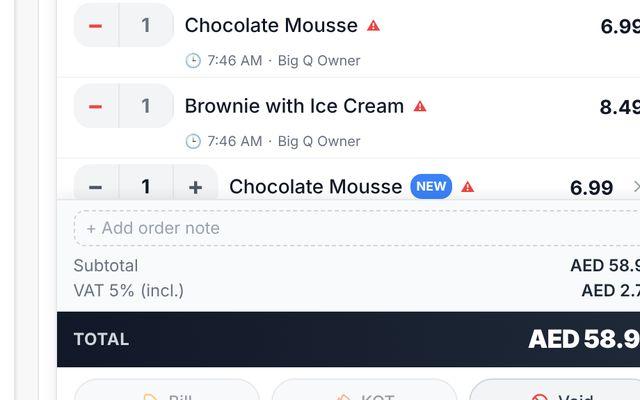
Add a second round to a table
Add more items to a table’s open order and send only the new items to the kitchen.
39 secondsBasicsWaiter
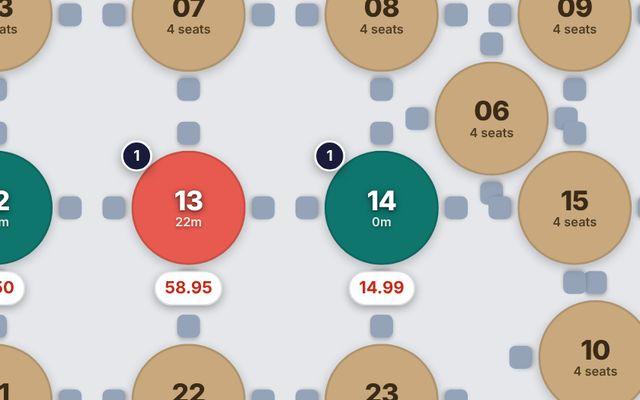
Print the bill for a table
Print a table’s bill before payment and see on the floor plan which tables are settling up.
35 secondsBasicsWaiter
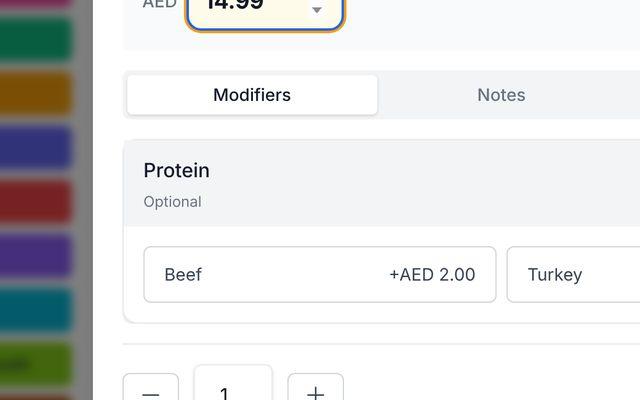
Add item options and notes
Choose an item’s options, add a note for an allergy or request, and add a note for the whole order.
47 secondsBasicsCashier, Waiter