 Academy
Till Academy
Short videos that show each job on Till CloudPOS, with the steps written out underneath. Watch one when you need it, or work through all 49.
49 guides · 40 minutes of video · no sound
49 guides to view
Topic
Role
Level
Your progress
7 of 49 guides
Take orders
1 guide · 1 min
Ring up takeaway, dine-in and delivery orders, with options, notes, customers and items that are not on the menu.
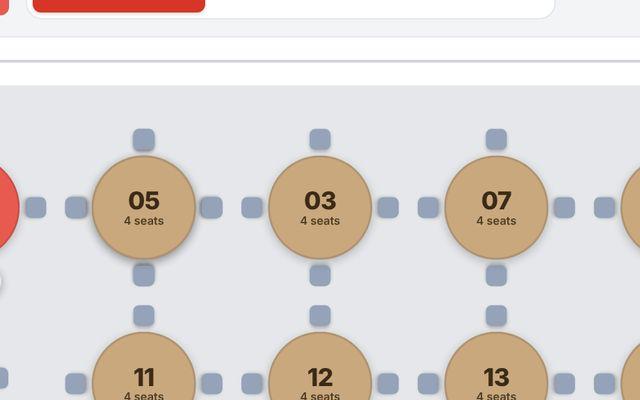
Take a dine-in order
Seat guests at a table, send their order to the kitchen and take payment when they are ready to leave.
1 minuteBasicsCashier, Waiter
Run your tables
3 guides · 2 min
Add rounds, print the bill, move guests and park orders while the room is busy.
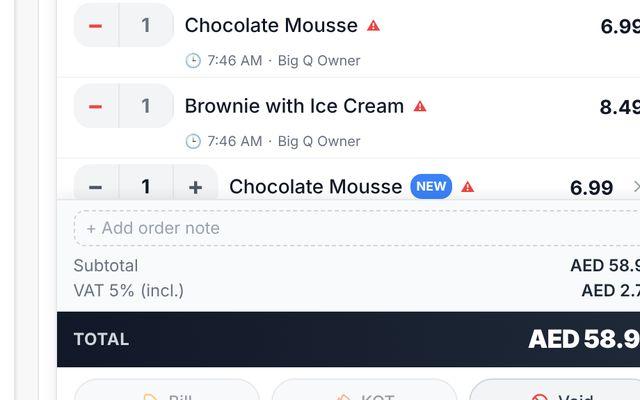
Add a second round to a table
Add more items to a table’s open order and send only the new items to the kitchen.
39 secondsBasicsWaiter
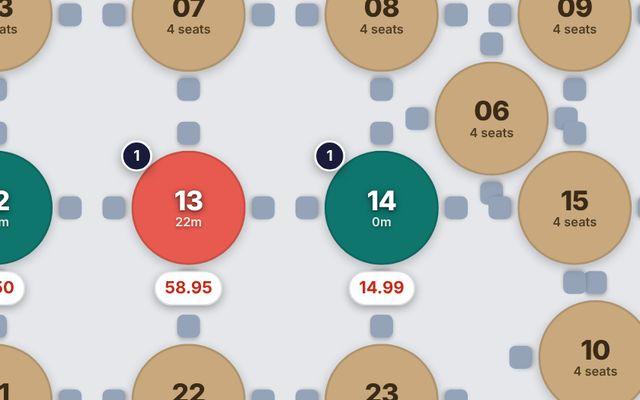
Print the bill for a table
Print a table’s bill before payment and see on the floor plan which tables are settling up.
35 secondsBasicsWaiter
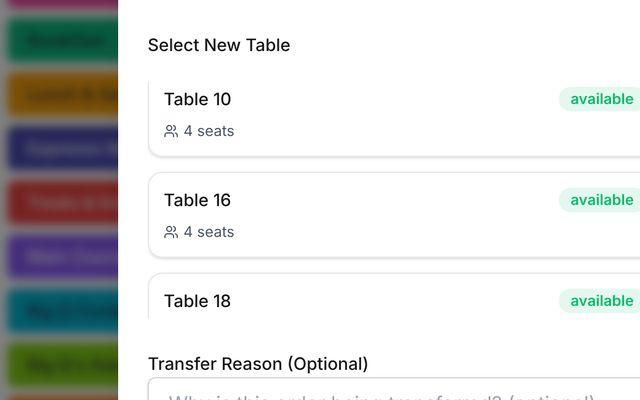
Move guests to another table
Move a table’s open order to a free table when guests change seats, with their items and total.
43 secondsEverydayWaiter, Manager
Staff, tables and QR codes
3 guides · 3 min
Add staff and decide what each role can do, create tables and floors, arrange the floor plan and make table QR codes.
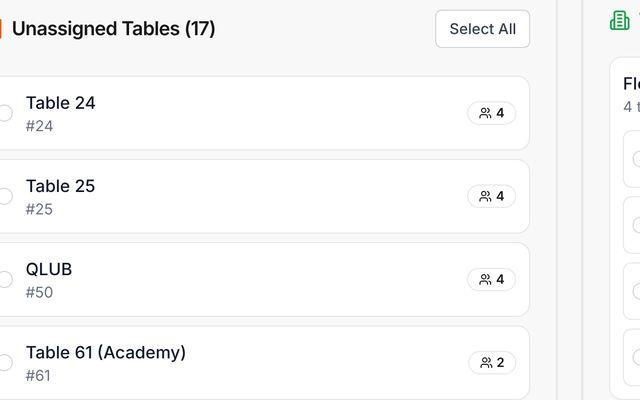
Add tables and floors
Create a table with its number, name and seats in Table Management, then put it on the right floor.
1 minuteAdvancedManager, Owner
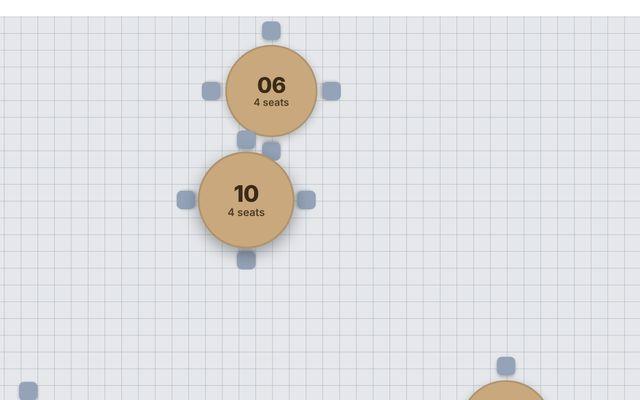
Arrange the floor plan
Move, resize and arrange the tables on each floor so the plan on the POS matches your room.
51 secondsAdvancedManager, Owner
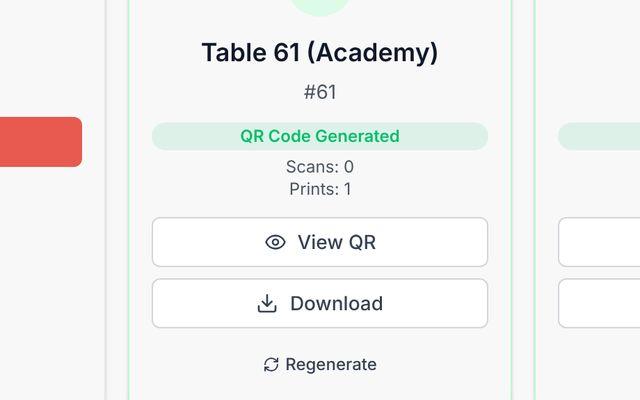
Make table QR codes
Switch on QR ordering, then generate, view and download the QR code for each table.
39 secondsAdvancedManager, Owner