 Academy
Move guests to another table
Move a table’s open order to a free table when guests change seats, with their items and total.
- 43 seconds
- 8 steps
- Everyday
- For waiters and managers
8 steps · no soundFirst: Tap the guests’ current table
Steps
Tap a step to play the video from that point.
About this task
Guests move: the group grows, they want to sit outside, or their table is needed for a booking. Transfer the order rather than starting a new one, so the bill moves with the guests.
After the transfer, the new table turns red and the old one is free again on the floor plan, so the rest of the team sees where the guests are now.
Transfer Table is under More and only appears when the open order has no unsent items. Send or remove anything marked NEW before you start.
Good to know
- Moving only some guests
- Use Specific Items when part of the party moves, for example two people join another table.
- Free tables only
- You can only transfer onto a table with no open order.
If something goes wrong
- Transfer Table is missing from More
- The order has items that are not sent yet. Tap Update Order to send them, or remove them, then open More again.
Details
- Topic
- Run your tables
- Level
- Everyday. You will use these on most shifts.
- Video
- 43 seconds, no sound, captions on screen
- Last checked
- , against Till CloudPOS
Related guides
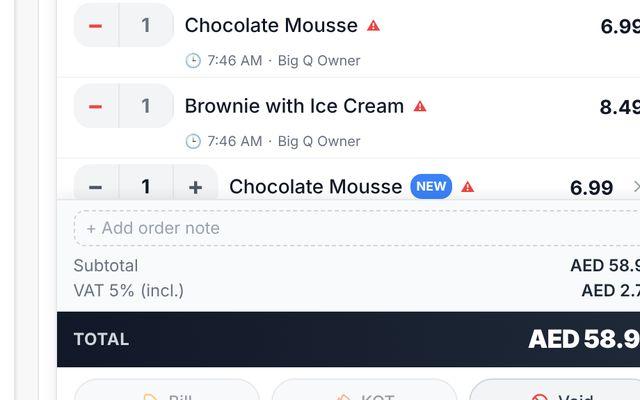
Add a second round to a table
Add more items to a table’s open order and send only the new items to the kitchen.
39 secondsBasicsWaiter
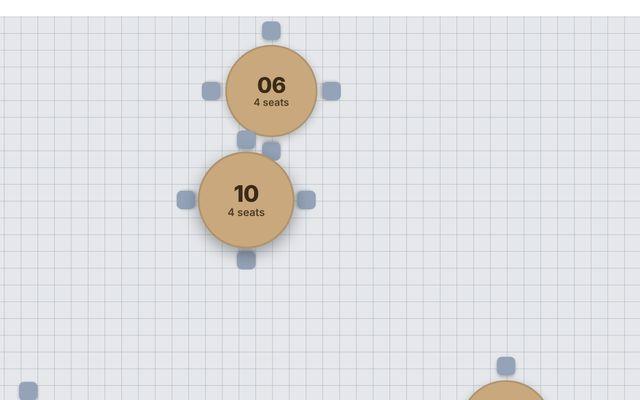
Arrange the floor plan
Move, resize and arrange the tables on each floor so the plan on the POS matches your room.
51 secondsAdvancedManager, Owner
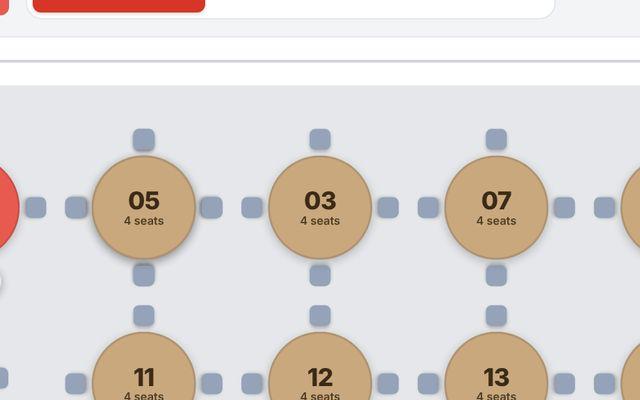
Take a dine-in order
Seat guests at a table, send their order to the kitchen and take payment when they are ready to leave.
1 minuteBasicsCashier, Waiter