 Academy
Add a second round to a table
Add more items to a table’s open order and send only the new items to the kitchen.
- 39 seconds
- 7 steps
- Basics
- For waiters
7 steps · no soundFirst: Tap the red table
Steps
Tap a step to play the video from that point.
About this task
Tables order in rounds: drinks, then food, then dessert. Add each new round to the table’s open order rather than starting a new one, so the guests get one bill at the end.
Items already sent stay in the cart with the time they went to the kitchen. New items are marked NEW until you send them, and only those go to the kitchen, so the first round is not made twice.
Check the table number before you tap. Dessert added to the wrong table lands on the wrong bill and goes out to the wrong guests.
Good to know
- Sent items are locked
- An item the kitchen already has cannot be deleted from the cart. Taking it off needs a void, with a reason and a manager PIN.
- Send before you move a table
- Transfer Table only appears when the order has no unsent items. Send or remove anything marked NEW first.
Details
- Topic
- Run your tables
- For
- Waiter
- Level
- Basics. Learn these on your first day.
- Video
- 39 seconds, no sound, captions on screen
- Last checked
- , against Till CloudPOS
Related guides
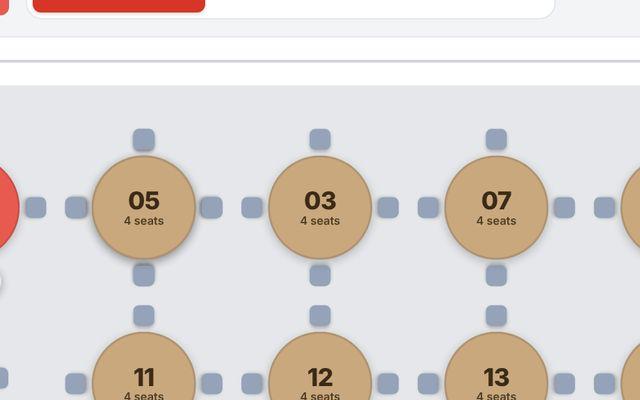
Take a dine-in order
Seat guests at a table, send their order to the kitchen and take payment when they are ready to leave.
1 minuteBasicsCashier, Waiter
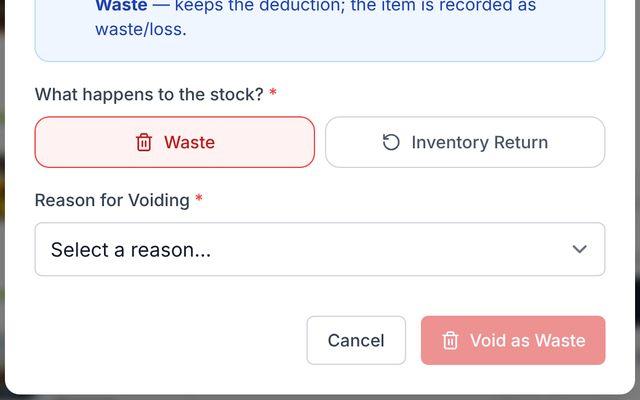
Void a sent item
Remove an item the kitchen already has, record what happened to it, and get a manager’s approval.
43 secondsEverydayCashier, Waiter, Manager
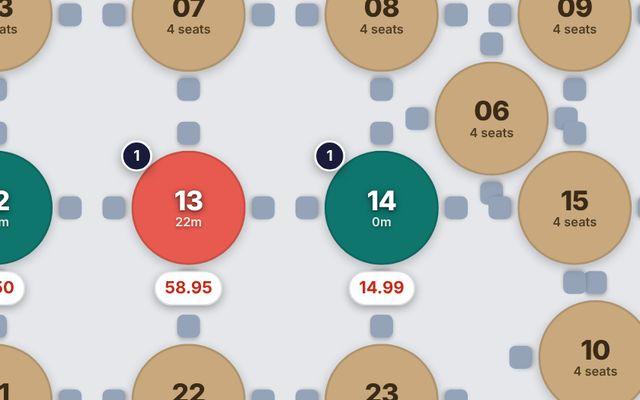
Print the bill for a table
Print a table’s bill before payment and see on the floor plan which tables are settling up.
35 secondsBasicsWaiter