 Academy
Till Academy
Short videos that show each job on Till CloudPOS, with the steps written out underneath. Watch one when you need it, or work through all 49.
49 guides · 40 minutes of video · no sound
49 guides to view
Topic
Role
Level
Your progress
6 of 49 guides
Take orders
2 guides · 2 min
Ring up takeaway, dine-in and delivery orders, with options, notes, customers and items that are not on the menu.
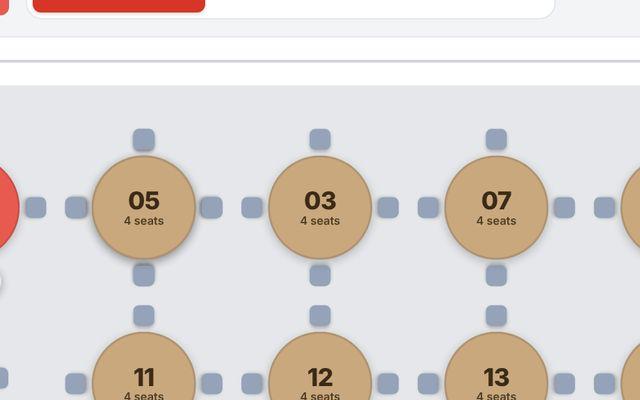
Take a dine-in order
Seat guests at a table, send their order to the kitchen and take payment when they are ready to leave.
1 minuteBasicsCashier, Waiter
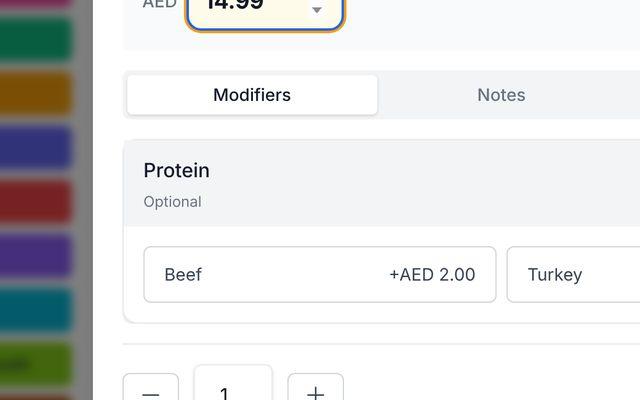
Add item options and notes
Choose an item’s options, add a note for an allergy or request, and add a note for the whole order.
47 secondsBasicsCashier, Waiter
Run your tables
1 guide · 1 min
Add rounds, print the bill, move guests and park orders while the room is busy.
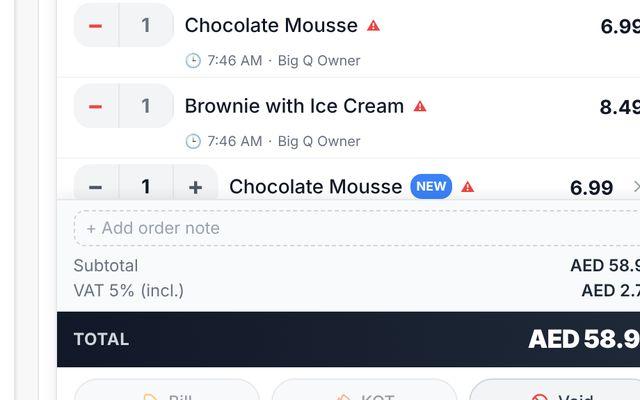
Add a second round to a table
Add more items to a table’s open order and send only the new items to the kitchen.
39 secondsBasicsWaiter
Find and fix orders
1 guide · 1 min
Look up past orders, void items or whole orders the kitchen already has, and refund paid orders in full or in part.
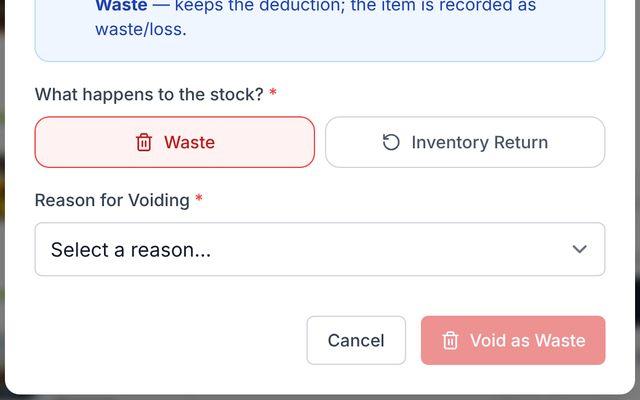
Void a sent item
Remove an item the kitchen already has, record what happened to it, and get a manager’s approval.
43 secondsEverydayCashier, Waiter, Manager
Build your menu
1 guide · 1 min
Add items and categories, change prices, set up options, sizes and photos, mark items sold out and create discounts.
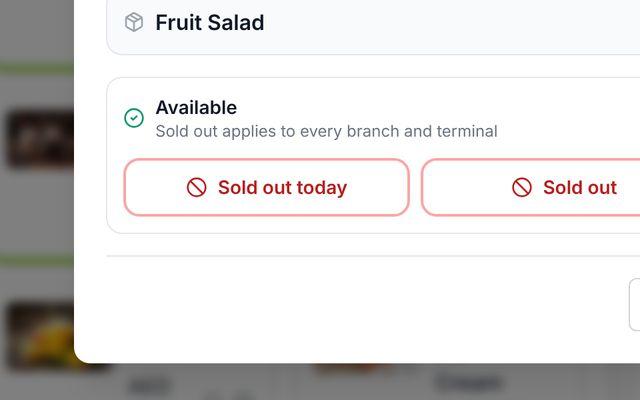
Mark an item sold out
Stop staff selling an item the kitchen has run out of, for the rest of today or until you switch it back on.
47 secondsEverydayCashier, Manager
Kitchen and stock
1 guide · 1 min
Work tickets on the Kitchen Display, count your stock and record deliveries from suppliers.
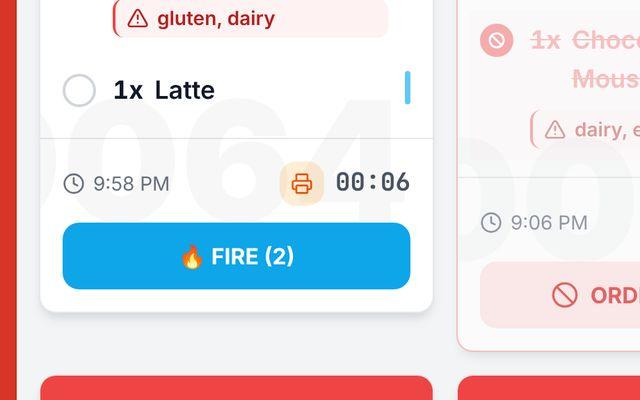
Use the Kitchen Display
Work tickets on the kitchen screen: FIRE to start cooking, Ready when it is done, BUMP when it is served.
47 secondsEverydayKitchen, Manager