 Academy
Mark an item sold out
Stop staff selling an item the kitchen has run out of, for the rest of today or until you switch it back on.
- 47 seconds
- 9 steps
- Everyday
- For cashiers and managers
9 steps · no soundFirst: Open the item’s category
Steps
Tap a step to play the video from that point.
About this task
When the kitchen runs out of something, mark it sold out straight away. The item card shows Sold out and it cannot be ordered, so nobody promises a guest a dish that cannot be made.
There are two choices. Sold out today puts the item back on sale when the next day opens. Sold out keeps it off until someone switches it back on. Use Sold out today for a busy night, and Sold out when an item is off for longer.
Sold out applies to every branch and terminal, not only the till you are on.
Good to know
- Done from the register
- You do not need the back office. The box icon is on every item card on the POS.
- Sold out today resets itself
- Items marked Sold out today come back on sale when the next day opens, so you do not have to remember to switch them back.
Details
- Topic
- Build your menu
- Level
- Everyday. You will use these on most shifts.
- Video
- 47 seconds, no sound, captions on screen
- Last checked
- , against Till CloudPOS
Related guides
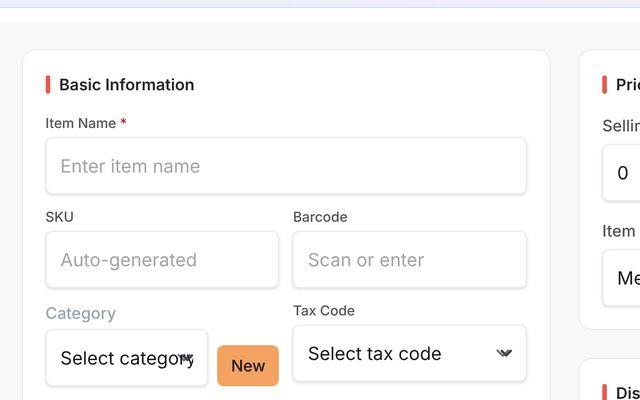
Add a menu item
Create a new item in the Catalog with its category, tax code and price so it shows on the POS.
39 secondsAdvancedManager, Owner
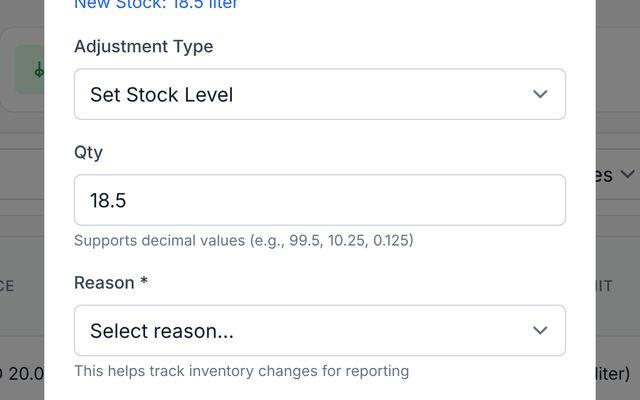
Count and adjust stock
After a stock count, set an item to the amount you counted, with a reason, and see the change on record.
56 secondsAdvancedManager, Owner
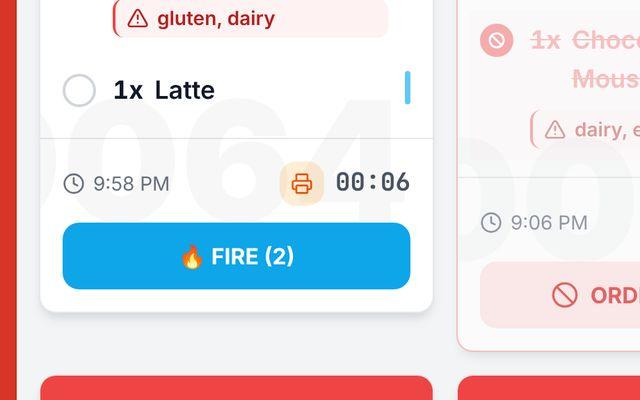
Use the Kitchen Display
Work tickets on the kitchen screen: FIRE to start cooking, Ready when it is done, BUMP when it is served.
47 secondsEverydayKitchen, Manager