 Academy
Add a menu item
Create a new item in the Catalog with its category, tax code and price so it shows on the POS.
- 39 seconds
- 7 steps
- Advanced
- For managers and owners
7 steps · no soundFirst: Open Catalog
Steps
Tap a step to play the video from that point.
About this task
A new dish, a new drink, a seasonal special: anything you sell regularly should be a menu item, not a custom item. Menu items sit in their category on the POS and are counted by name in your sales reports.
Three choices matter most. The category decides where staff find the item on the POS. The tax code decides the VAT charged on every sale. The selling price is what the guest pays.
Check the tax code with your accountant if you are not sure. A wrong tax code means every sale of that item is taxed wrong until someone notices.
Good to know
- Photos
- You can add a photo to the item. It shows on the POS when images are switched on in the POS Display settings.
- Running out is not deleting
- If an item runs out for a while, mark it sold out from the POS instead of deleting it. Mark it available again when it is back.
Details
- Topic
- Build your menu
- Level
- Advanced. For managers and for setting up.
- Video
- 39 seconds, no sound, captions on screen
- Last checked
- , against Till CloudPOS
Related guides
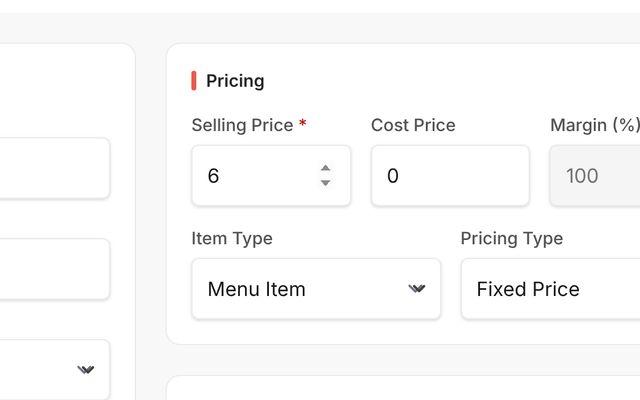
Change an item price
Update the selling price of a menu item in the Catalog and check that the POS shows the new price.
47 secondsEverydayManager, Owner
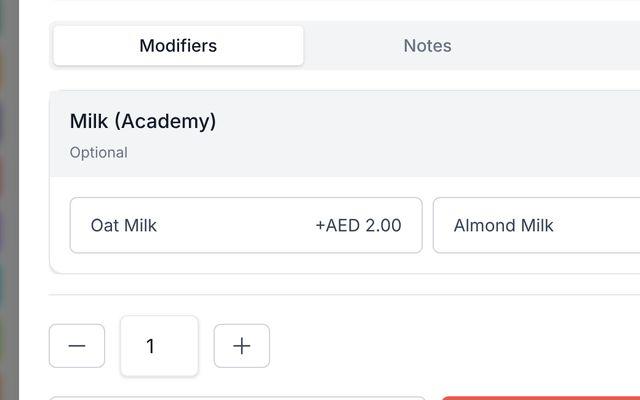
Add options to an item
Attach a modifier group, such as a choice of milk, so staff are asked for the option every time the item is ordered.
1 minuteAdvancedManager, Owner
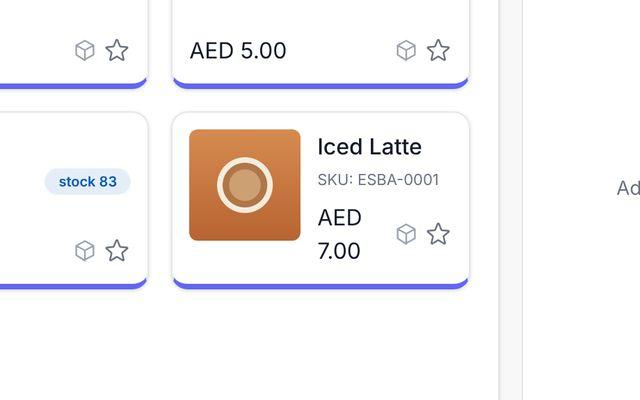
Add an item photo
Upload a photo to a menu item from its edit form, so staff can spot it faster on the POS.
51 secondsEverydayManager, Owner