 Academy
Till Academy
Short videos that show each job on Till CloudPOS, with the steps written out underneath. Watch one when you need it, or work through all 49.
49 guides · 40 minutes of video · no sound
49 guides to view
Start hereOpen your shift0:35
Topic
Role
Level
Your progress
3 of 49 guides
Build your menu
3 guides · 2 min
Add items and categories, change prices, set up options, sizes and photos, mark items sold out and create discounts.
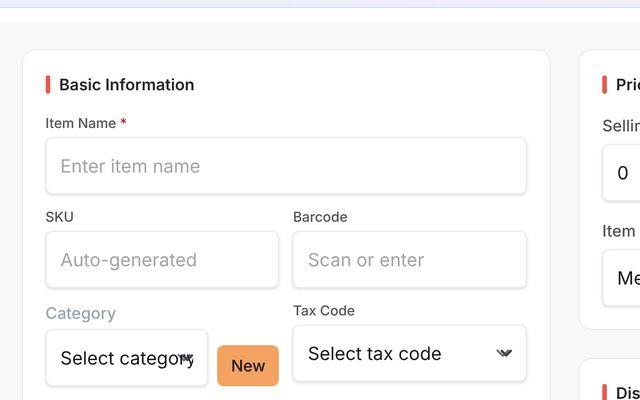
Add a menu item
Create a new item in the Catalog with its category, tax code and price so it shows on the POS.
39 secondsAdvancedManager, Owner
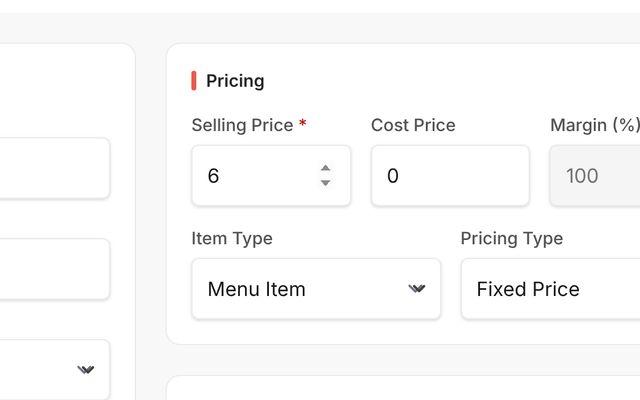
Change an item price
Update the selling price of a menu item in the Catalog and check that the POS shows the new price.
47 secondsEverydayManager, Owner
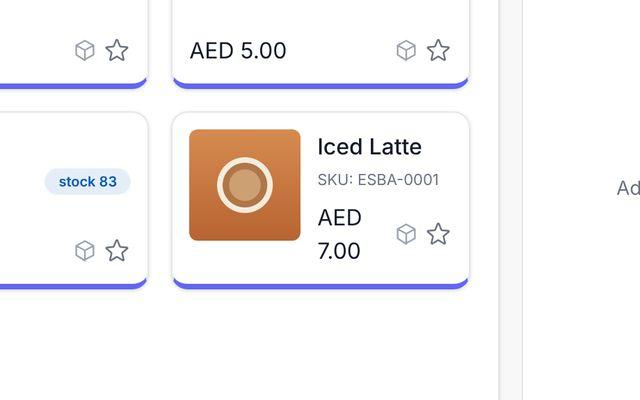
Add an item photo
Upload a photo to a menu item from its edit form, so staff can spot it faster on the POS.
51 secondsEverydayManager, Owner