 Academy
Refund one item
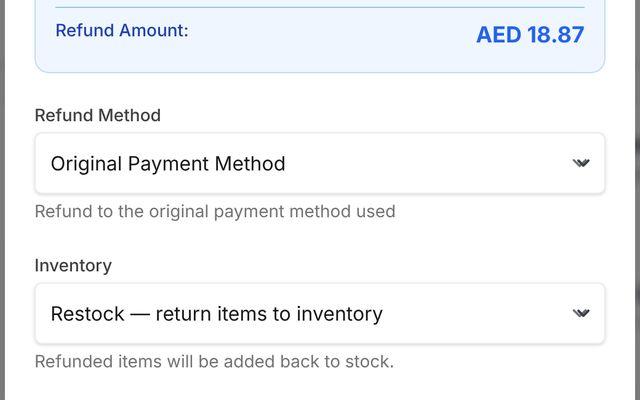
Give money back for part of a paid order: choose the items, how the money goes back and the reason.
- 47 seconds
- 9 steps
- Advanced
- For managers and owners
9 steps · no soundFirst: Open the Orders page
Steps
Tap a step to play the video from that point.
About this task
A partial refund returns the money for some items on a paid order and leaves the rest paid. Use it when one dish was wrong or sent back after the bill was settled.
You choose three things: which items (and how many of each), what happens to the stock (Restock if it came back unused, Waste if it was made), and how the money goes back (the original payment method, or cash).
Refunds need the refund permission, which managers and owners have. Each refunded item carries its own reason, which shows in the Refunds report.
Good to know
- The reason box appears after you tick
- Each item has its own reason. The box shows once the item is ticked.
- What the order looks like afterwards
- The order total drops by the refunded amount and the item is marked Refunded. The other items stay paid.
Details
- Topic
- Find and fix orders
- Level
- Advanced. For managers and for setting up.
- Video
- 47 seconds, no sound, captions on screen
- Last checked
- , against Till CloudPOS
Related guides
Refund a paid order
Give money back on a paid order, choose how it is refunded, and record the stock and the reason.
47 secondsAdvancedManager, Owner
Find a past order
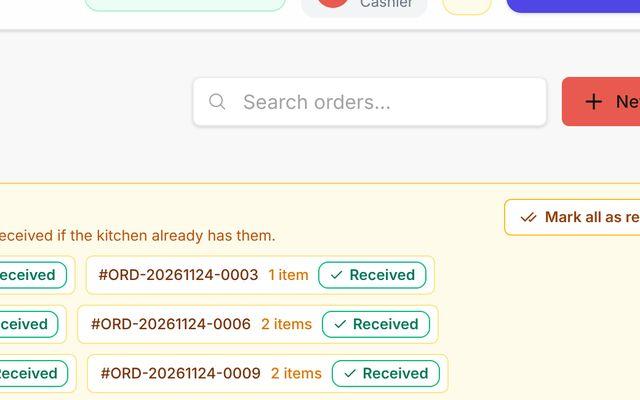
Search order history by number, customer or table, reprint a receipt and see how an order was paid.
51 secondsEverydayCashier, Waiter, Manager
Check voids and refunds
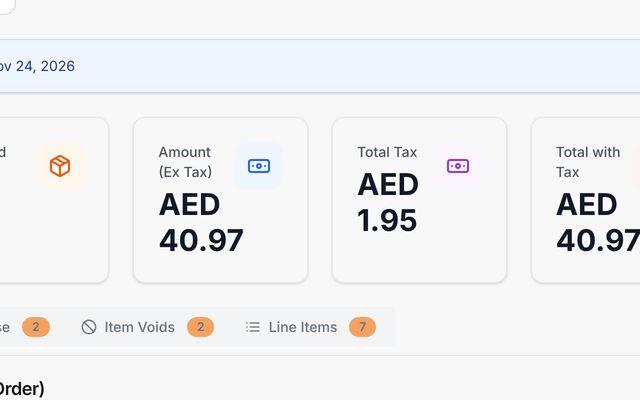
Read the Voids and Refunds reports to see what was cancelled or paid back, by whom and why.
1 minuteAdvancedManager, Owner