 Academy
Sell on Pay Later and collect the money
Charge an order to a customer’s account, then record the payment when they settle what they owe.
- 56 seconds
- 11 steps
- Advanced
- For cashiers, managers and owners
11 steps · no soundFirst: Tap Customer
Steps
Tap a step to play the video from that point.
About this task
Due / Pay Later is for customers you trust to pay afterwards: a neighbouring office that settles weekly, or a regular who pays at the end of the month. The order is closed, and the amount is added to what the customer owes.
It needs a customer on the order, because the debt has to belong to someone. Before you confirm, the payment screen shows what the customer already owes and their credit limit.
When they pay, open Reports > Customer Dues, find their row and record a settlement. Their balance goes down by the amount you record.
Good to know
- Oldest debt first
- A settlement is applied to the customer’s oldest unpaid order first, unless you choose otherwise.
- Cash settlements go in the drawer
- Record a cash settlement while a shift is open. It is added to the cash Till expects in the drawer for that shift.
If something goes wrong
- Due / Pay Later cannot be used
- Add a customer to the order first. The amount can only be charged to a named customer.
Details
- Topic
- Take payment
- Level
- Advanced. For managers and for setting up.
- Video
- 56 seconds, no sound, captions on screen
- Last checked
- , against Till CloudPOS
Related guides
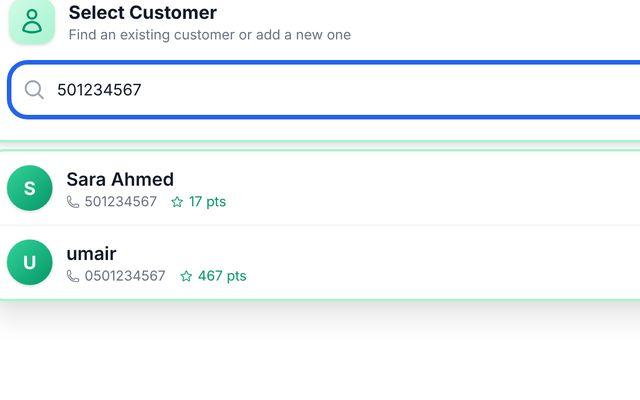
Add a customer to an order
Link an order to a guest by phone number or name, so it is saved to their history.
56 secondsEverydayCashier, Waiter
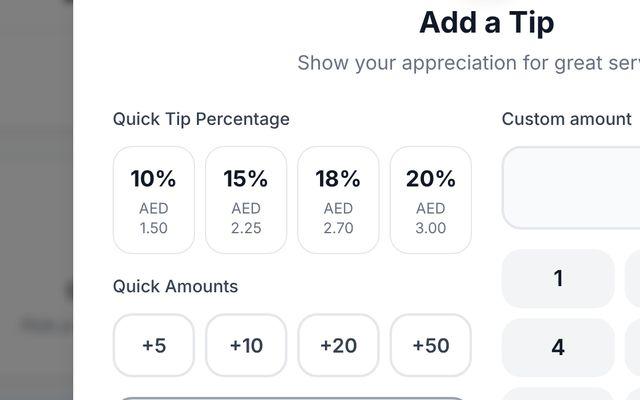
Take a card payment with a tip
Add the guest’s tip before you pick the card, so the card is charged once for the bill and the tip together.
51 secondsEverydayCashier, Waiter
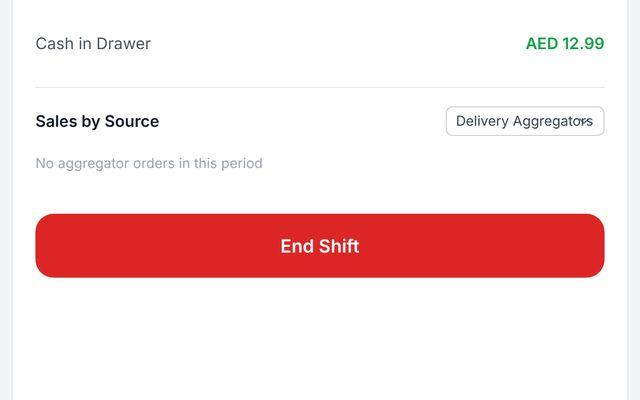
Close your shift
Read your shift report, count the cash you took and close your shift at the end of the day.
35 secondsBasicsCashier, Waiter