 Academy
Split a bill by items
Let each guest pay for exactly what they ordered: give every item to a person, then take each payment.
- 1 minute
- 12 steps
- Everyday
- For cashiers and waiters
12 steps · no soundFirst: Tap Pay
Steps
Tap a step to play the video from that point.
About this task
Splitting by items is for a table where everyone pays for their own food. You name each person, tick the items they had, and Till works out each share, tax included.
Every item has to belong to someone before the split can be created. Add a person, tick their items, tap Add Person, and repeat until nothing is left.
Each share is then paid on its own, by cash or card. The receipt lists every share and how it was paid.
Good to know
- Three ways to split
- Equal Split divides the total evenly. Split by Items gives each person their own items. Custom Amounts lets you type an exact amount for each person.
- A started split cannot be cancelled
- Once one person has paid their share, the split stays. Check the items with the table before you take the first payment.
If something goes wrong
- Create Split will not work
- An item is still unassigned. Every item on the bill must be ticked for one of the people.
Details
- Topic
- Take payment
- Level
- Everyday. You will use these on most shifts.
- Video
- 1 minute, no sound, captions on screen
- Last checked
- , against Till CloudPOS
Related guides
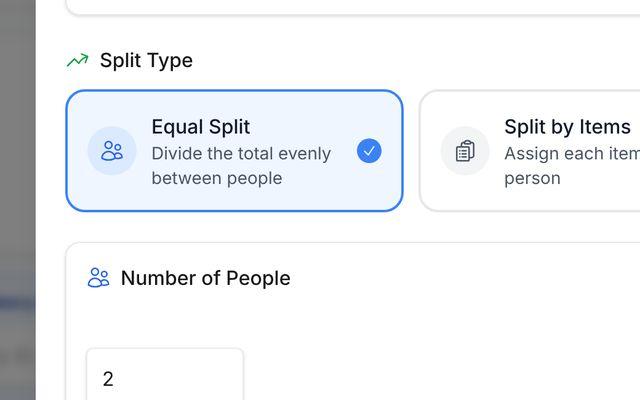
Split a bill between people
Divide one bill into shares so each guest pays their own part, by cash or by card.
47 secondsEverydayCashier, Waiter
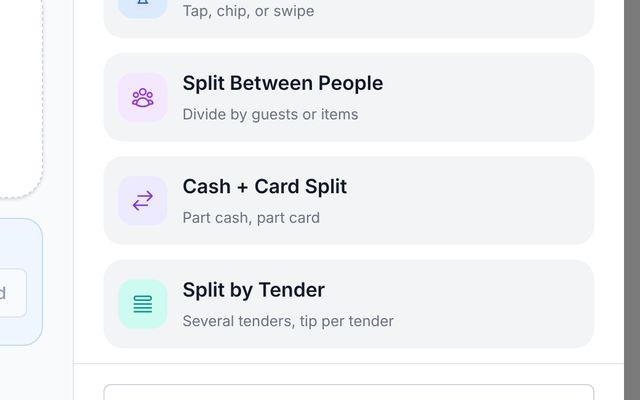
Take part cash, part card on one bill
Let one guest pay part of the bill in cash and the rest by card, using Cash + Card Split.
39 secondsEverydayCashier
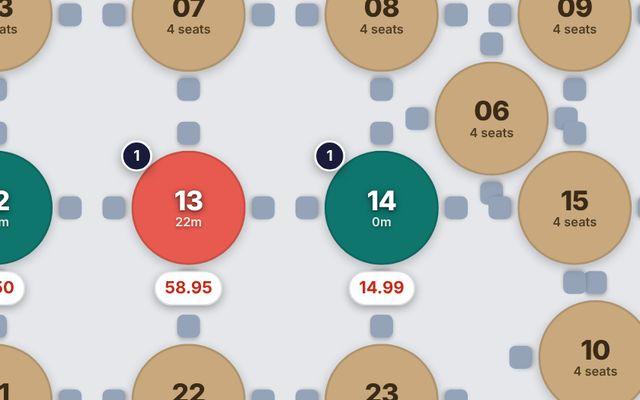
Print the bill for a table
Print a table’s bill before payment and see on the floor plan which tables are settling up.
35 secondsBasicsWaiter