 Academy
Take part cash, part card on one bill
Let one guest pay part of the bill in cash and the rest by card, using Cash + Card Split.
- 39 seconds
- 7 steps
- Everyday
- For cashiers
7 steps · no soundFirst: Tap Pay
Steps
Tap a step to play the video from that point.
About this task
Use Cash + Card Split when one guest pays one bill two ways, for example they have some cash and put the rest on a card. If several guests each want to pay their own share, use Split Between People instead.
Recording the two parts correctly keeps your shift right: the cash part counts toward Expected in drawer and the card part toward card totals. Taking the whole bill as card and putting the cash in the drawer would leave your count wrong at the end of the shift.
Collect the cash and charge the card before you confirm in the POS, and make sure the amounts you enter match what the guest actually paid.
Good to know
- Manual Card Entry
- When no card terminal is linked to the till, you confirm the card part with Manual Card Entry once the card machine has approved it.
- Both payments show on the order
- The order details page lists the cash part and the card part separately.
Details
- Topic
- Take payment
- For
- Cashier
- Level
- Everyday. You will use these on most shifts.
- Video
- 39 seconds, no sound, captions on screen
- Last checked
- , against Till CloudPOS
Related guides
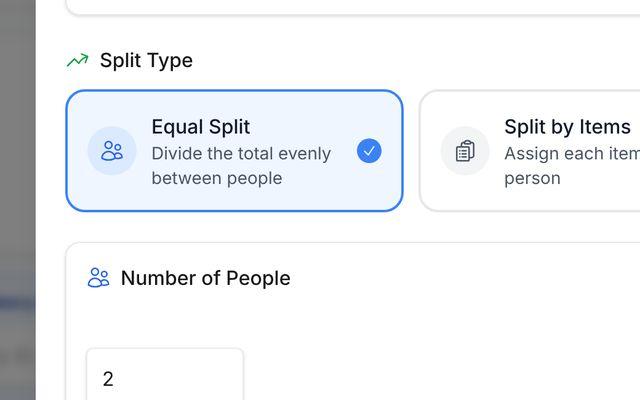
Split a bill between people
Divide one bill into shares so each guest pays their own part, by cash or by card.
47 secondsEverydayCashier, Waiter
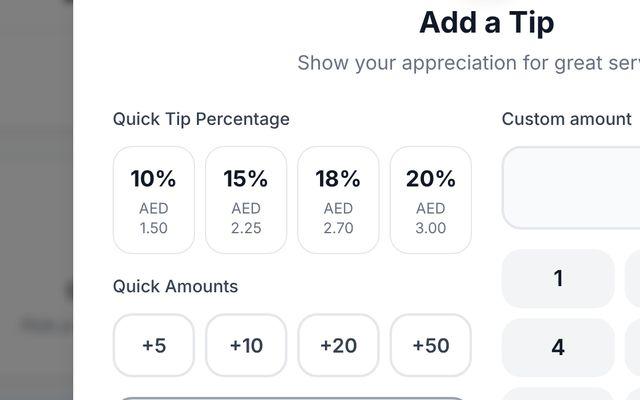
Take a card payment with a tip
Add the guest’s tip before you pick the card, so the card is charged once for the bill and the tip together.
51 secondsEverydayCashier, Waiter
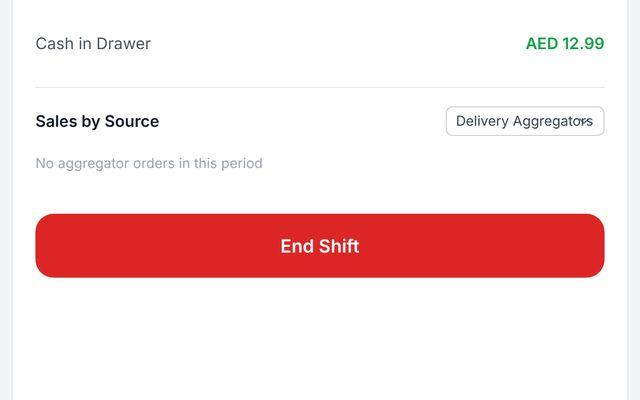
Close your shift
Read your shift report, count the cash you took and close your shift at the end of the day.
35 secondsBasicsCashier, Waiter