 Academy
Apply a discount
Take a saved discount, or your own percent or amount, off the whole order before the guest pays.
- 51 seconds
- 10 steps
- Everyday
- For cashiers and managers
10 steps · no soundFirst: Check the order in the cart
Steps
Tap a step to play the video from that point.
About this task
Discounts are for planned offers, such as a staff meal or a running promotion, and for gestures a manager has agreed to. Apply the discount before payment, so the guest is charged the lower amount and the receipt shows it.
Saved discounts are set up by your manager and have a name, which makes them easy to follow in reports. Typing your own percent or amount is for the cases a saved discount does not cover.
Every discount lowers the sales for the order and shows in the day’s reports. Check with your manager what you are allowed to give before you type your own.
Good to know
- You may be asked for a reason
- Your company can require a reason for discounts. When it does, the POS asks for one when you apply or remove a discount.
- Taking a discount off
- Before payment, tap Discount again and tap Remove next to the discount.
- Discount before you tap Pay
- Apply the discount before payment. To give money back on an order that is already paid, a manager does a refund.
Details
- Topic
- Take payment
- Level
- Everyday. You will use these on most shifts.
- Video
- 51 seconds, no sound, captions on screen
- Last checked
- , against Till CloudPOS
Related guides
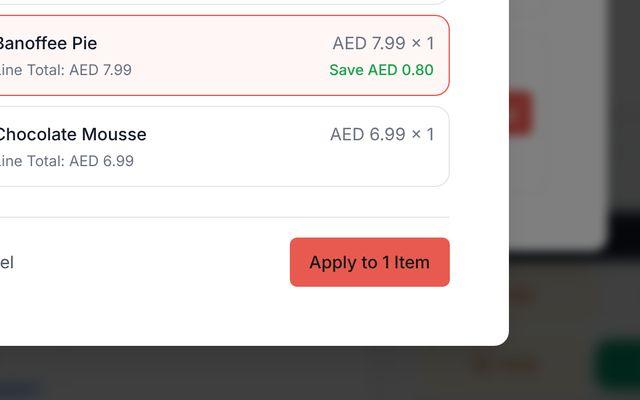
Discount one item
Take money off a single item with a ready-made item discount, and leave the rest of the order at full price.
51 secondsEverydayCashier, Waiter, Manager
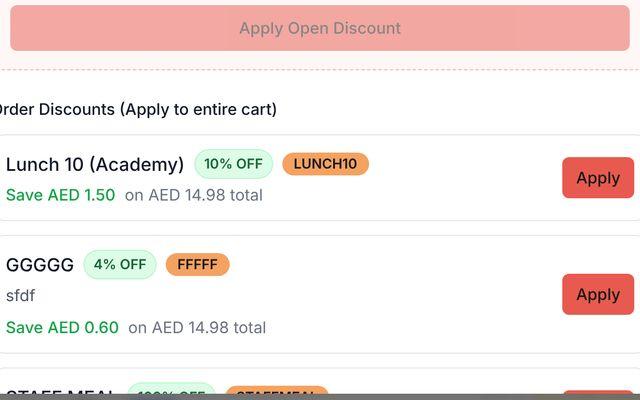
Create a discount
Set up a ready-made discount, such as 10% off the bill, that cashiers can apply from the POS.
51 secondsAdvancedManager, Owner
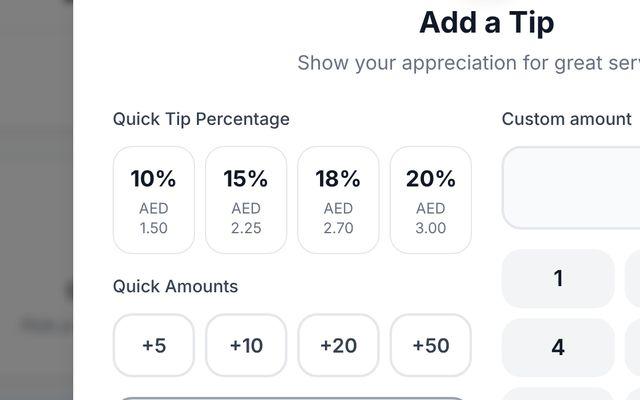
Take a card payment with a tip
Add the guest’s tip before you pick the card, so the card is charged once for the bill and the tip together.
51 secondsEverydayCashier, Waiter