 Academy
Till Academy
Short videos that show each job on Till CloudPOS, with the steps written out underneath. Watch one when you need it, or work through all 49.
49 guides · 40 minutes of video · no sound
49 guides to view
Topic
Role
Level
Your progress
3 of 49 guides
Kitchen and stock
3 guides · 3 min
Work tickets on the Kitchen Display, count your stock and record deliveries from suppliers.
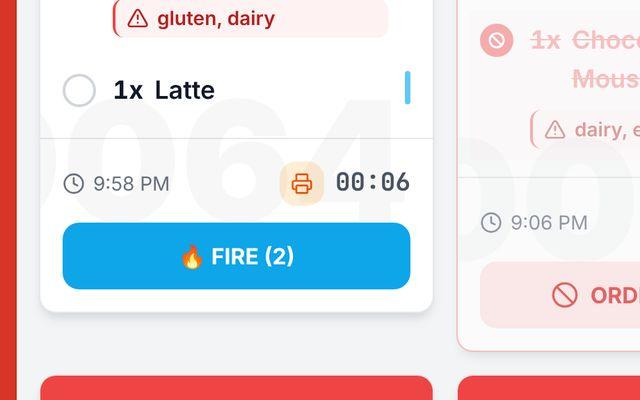
Use the Kitchen Display
Work tickets on the kitchen screen: FIRE to start cooking, Ready when it is done, BUMP when it is served.
47 secondsEverydayKitchen, Manager
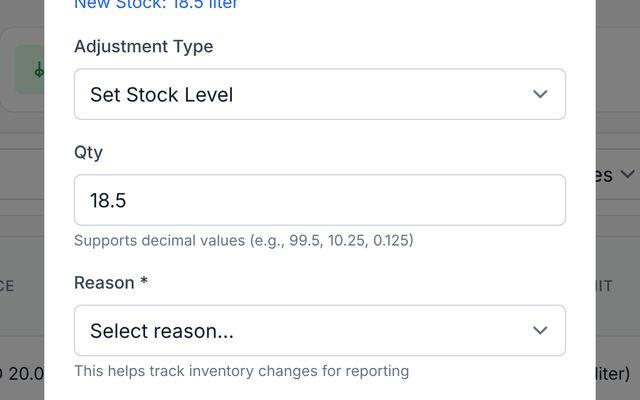
Count and adjust stock
After a stock count, set an item to the amount you counted, with a reason, and see the change on record.
56 secondsAdvancedManager, Owner
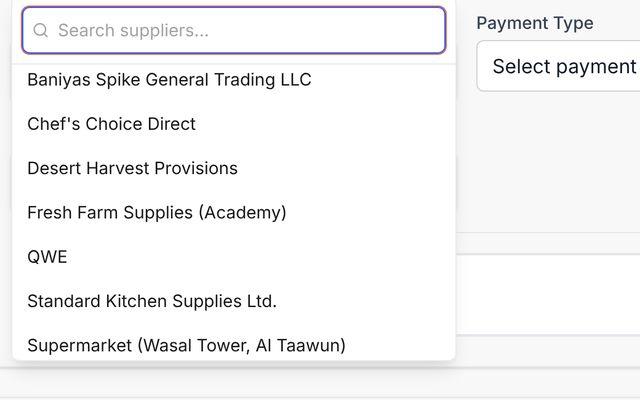
Record a purchase
Enter a supplier delivery with its invoice number, items, quantities and costs, so stock goes up straight away.
1 minuteAdvancedManager, Owner